How to Send a Document in Agiled
Introduction: In this tutorial, we will show you how to send a document you created in Agiled to your clients or contacts. There are two ways to send a document
Updated 2 min read
Introduction:
In this tutorial, we will show you how to send a document you created in Agiled to your clients or contacts. There are two ways to send a document in Agiled: via a link or email.
Sending the Doc
Prepare the document for sending.
First, ensure the contract or document you want to send is ready. Open the document in Agiled.
Choose a sending method.
Click on the "Send" button on the document page. You will see two options: "Send via Link" and "Send via Email."
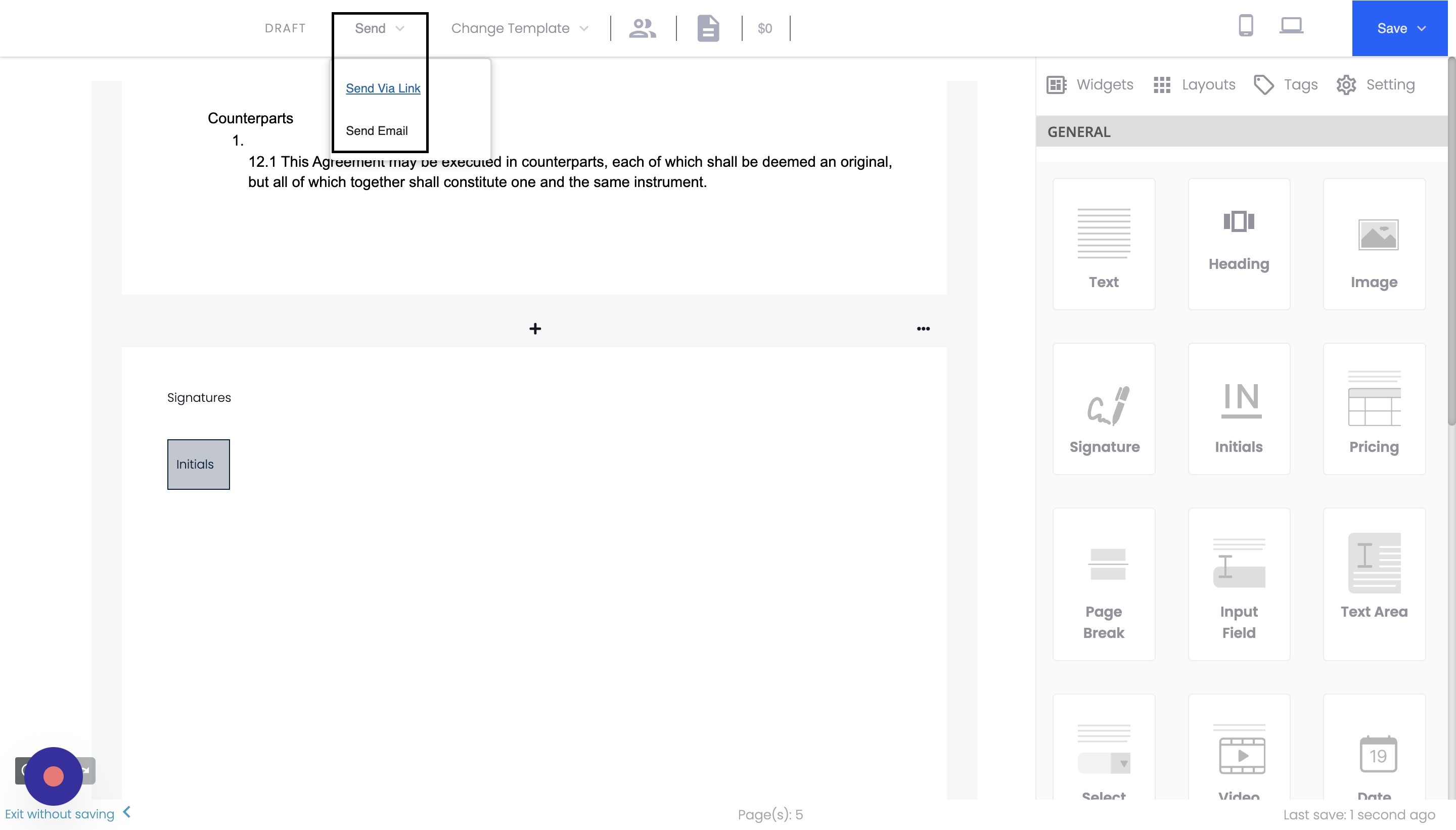
Send via Link
Click on "Send via Link."
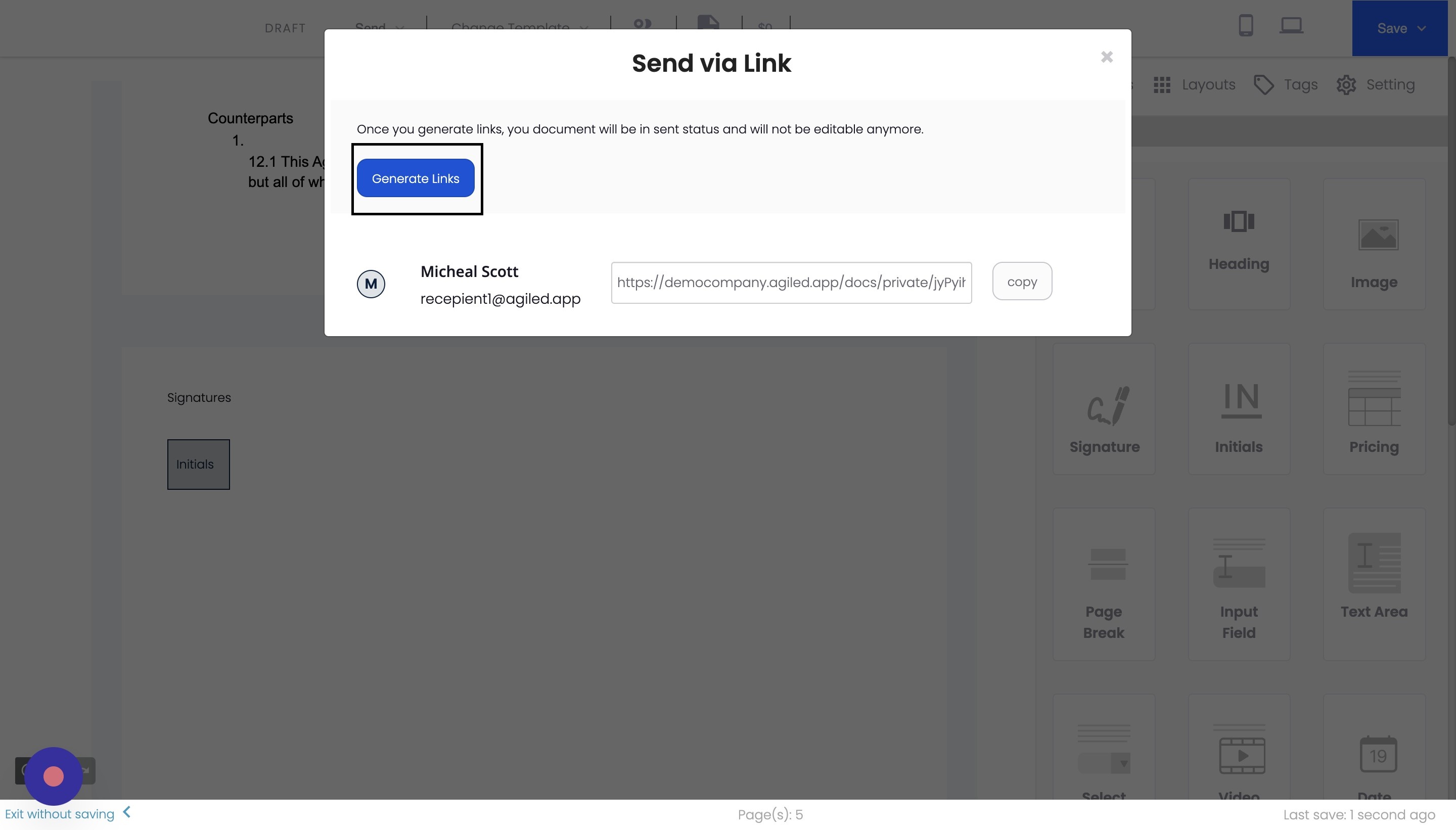
Click on "Generate Links." This will create a dedicated link for each recipient.
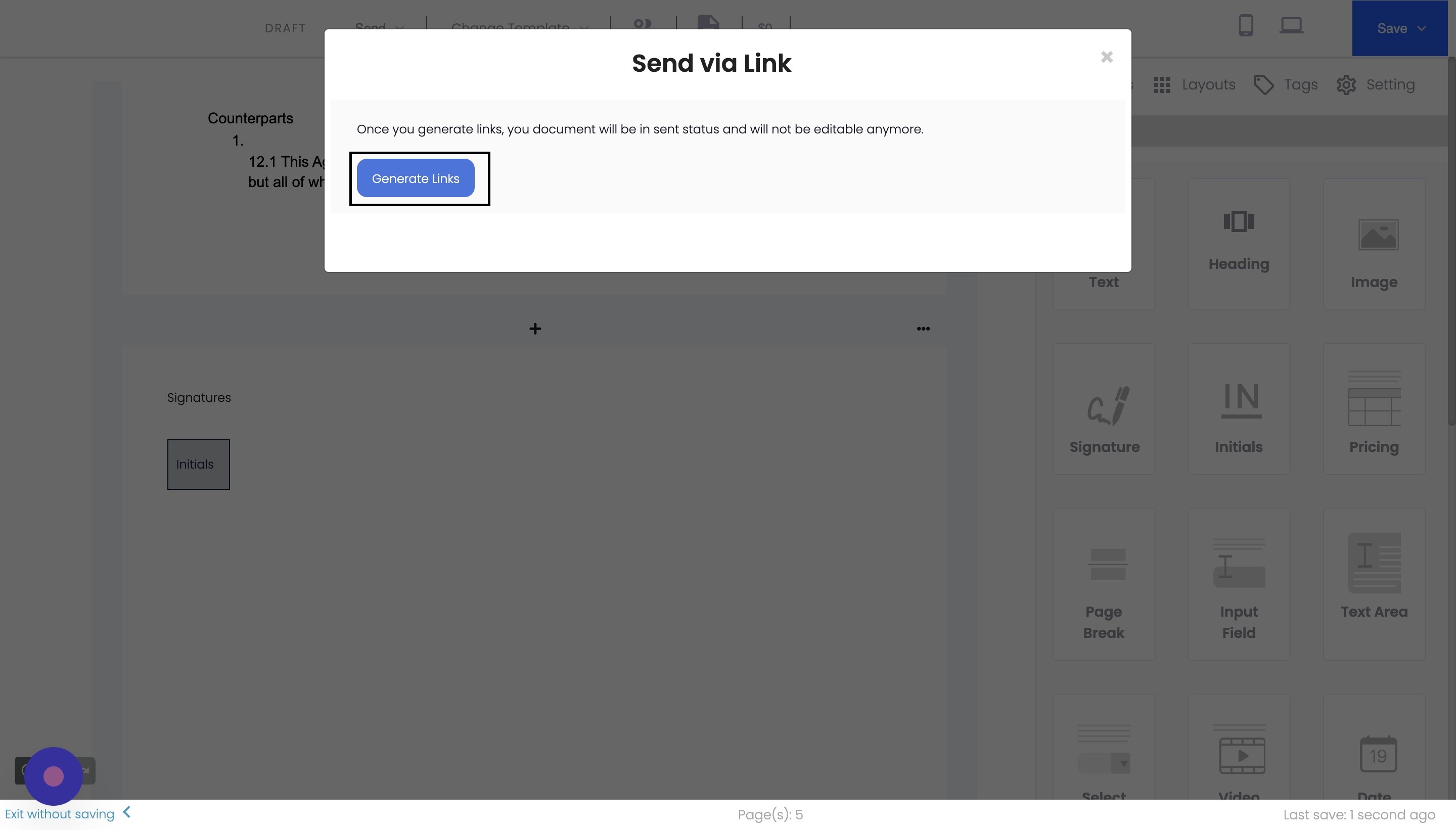
Could you copy the generated link and send it to your client or contact via your preferred method of communication?
Send via Email
Click on "Send via Email."
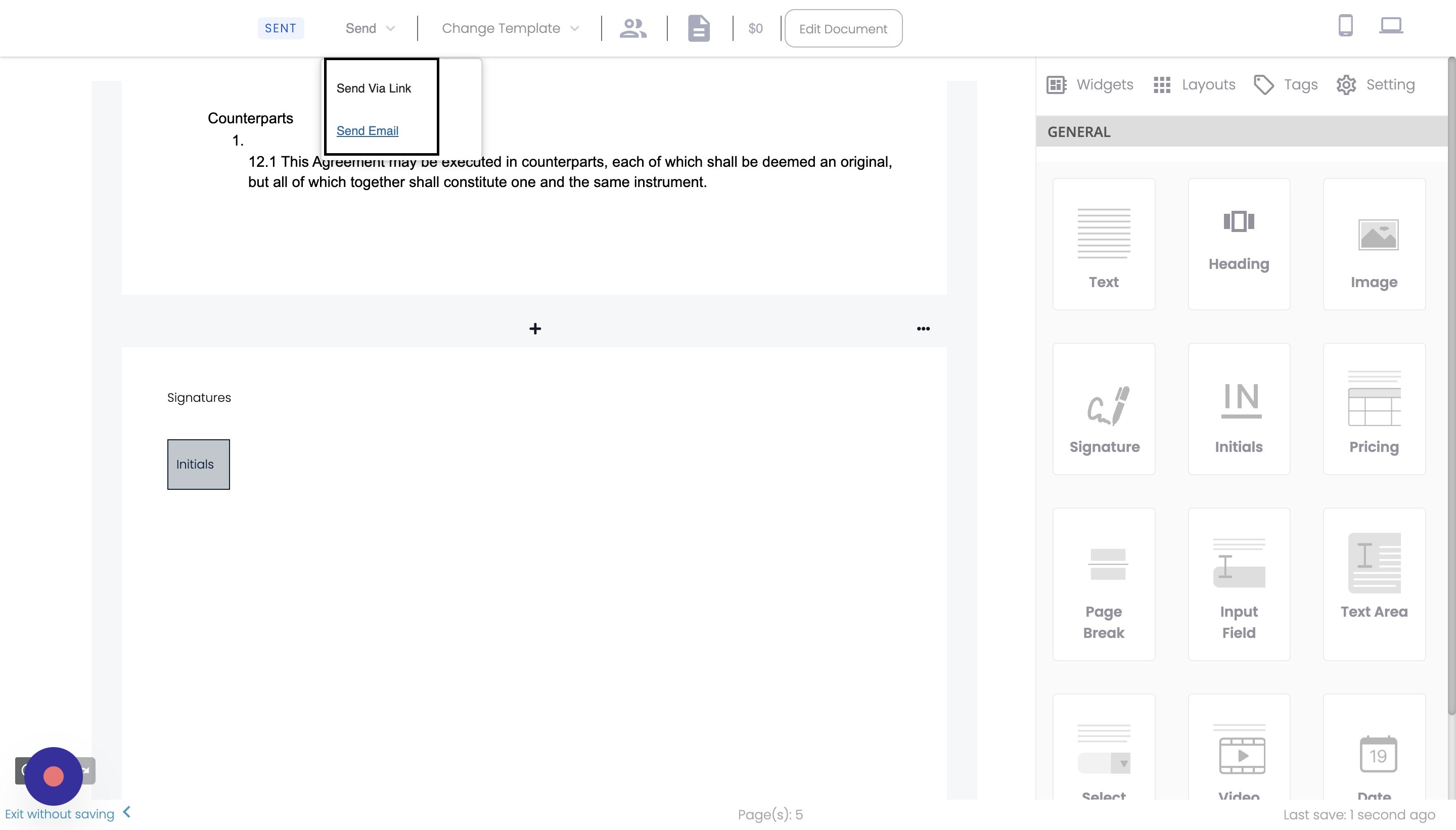
Click on the "Send Email" button. This will send the document directly to the recipient's email address.
Customize default email templates (Optional)
You can customize the default email template for sending documents by going to the "Email Templates" section in your Agiled settings.
Conclusion
Following these steps, you can easily send documents to your clients or contacts using Agiled. Both sending methods are efficient and allow you to choose the best option. Don't forget that you can also customize the default email template to make your communication more personalized.
FAQs
Can I track if my client has opened the document or not?
Yes, Agiled allows you to track the status of the scent document. Please check if the client has opened the document and view any updates on the signing process.
Can I send the document to multiple recipients at once?
Yes, Agiled allows you to send documents to multiple recipients simultaneously. You can add multiple email addresses when sending via email or generate unique links for each recipient when sending via link.
Can I customize the message included in the email when sending a document?
A3: Yes, you can customize the message included in the email by editing the email template in your Agiled settings. This allows you to personalize the content and tone of the email to suit your needs.
Was this article helpful?
More in Docs
- Agiled Docs Overview : Creating Contracts & Proposals in AgiledAgiled has introduced a comprehensive and improved Docs experience based on user feedback and suggestions. This enhanced feature includes a wide range of improv
- How to add a cover pageIntroduction: In this tutorial, we will show you how to add and customize a cover page for your documents, proposals, or contracts in Agiled Docs. Cover pages c
- How Clients Can Sign Documents in AgiledIntroduction: In this tutorial, we will guide you through how your clients can sign the documents you sent them using Agiled. Signing documents in Agiled is a s
- How to use Merge Tags in Agiled DocsIntroduction In this tutorial, we'll show you how to use merge tags in Agiled Docs to personalize your contracts or proposals with client data from the CRM. Mer
Questions about this? Agiled Assist answers from these articles.