How to duplicate a page in Agiled Docs
Introduction: This tutorial will show you how to duplicate a page in Agiled Docs. This can be useful when you want to create a similar page with minor changes o
Updated 1 min read
Introduction:
This tutorial will show you how to duplicate a page in Agiled Docs. This can be useful when you want to create a similar page with minor changes or when you need to create multiple copies of the same page for different recipients.
Duplicating a page
Step 1: Open the document in Agiled Docs
To begin, you can open the document you want to duplicate a page in within Agiled Docs.
Step 2: Locate the page you want to duplicate
Could you find the page you want to duplicate in your document?
Step 3: Duplicate the page
To duplicate the page, follow these simple steps:
- Click on the three dots located in the top-right corner of the page.
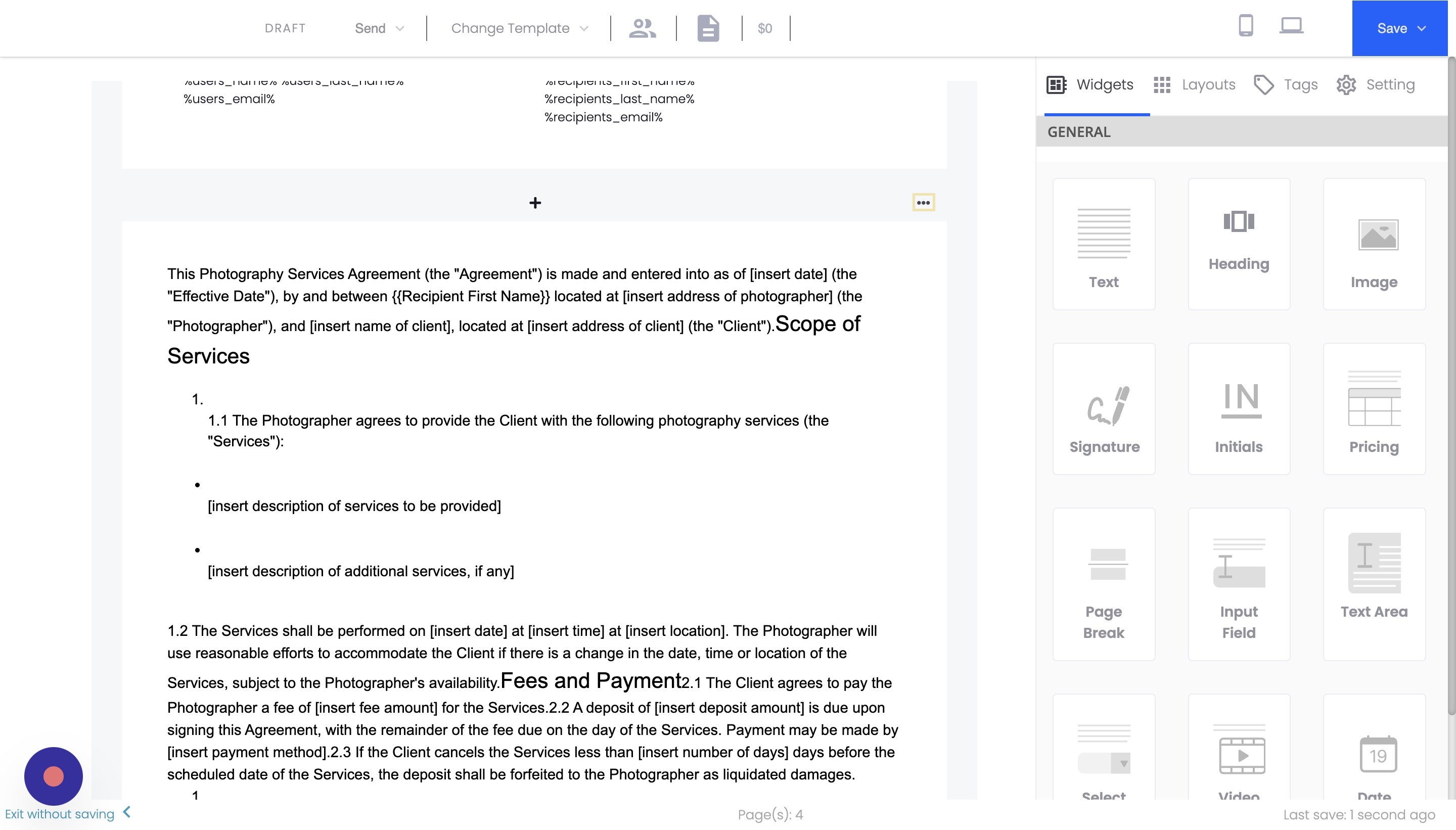
- Click on the "Duplicate" button.
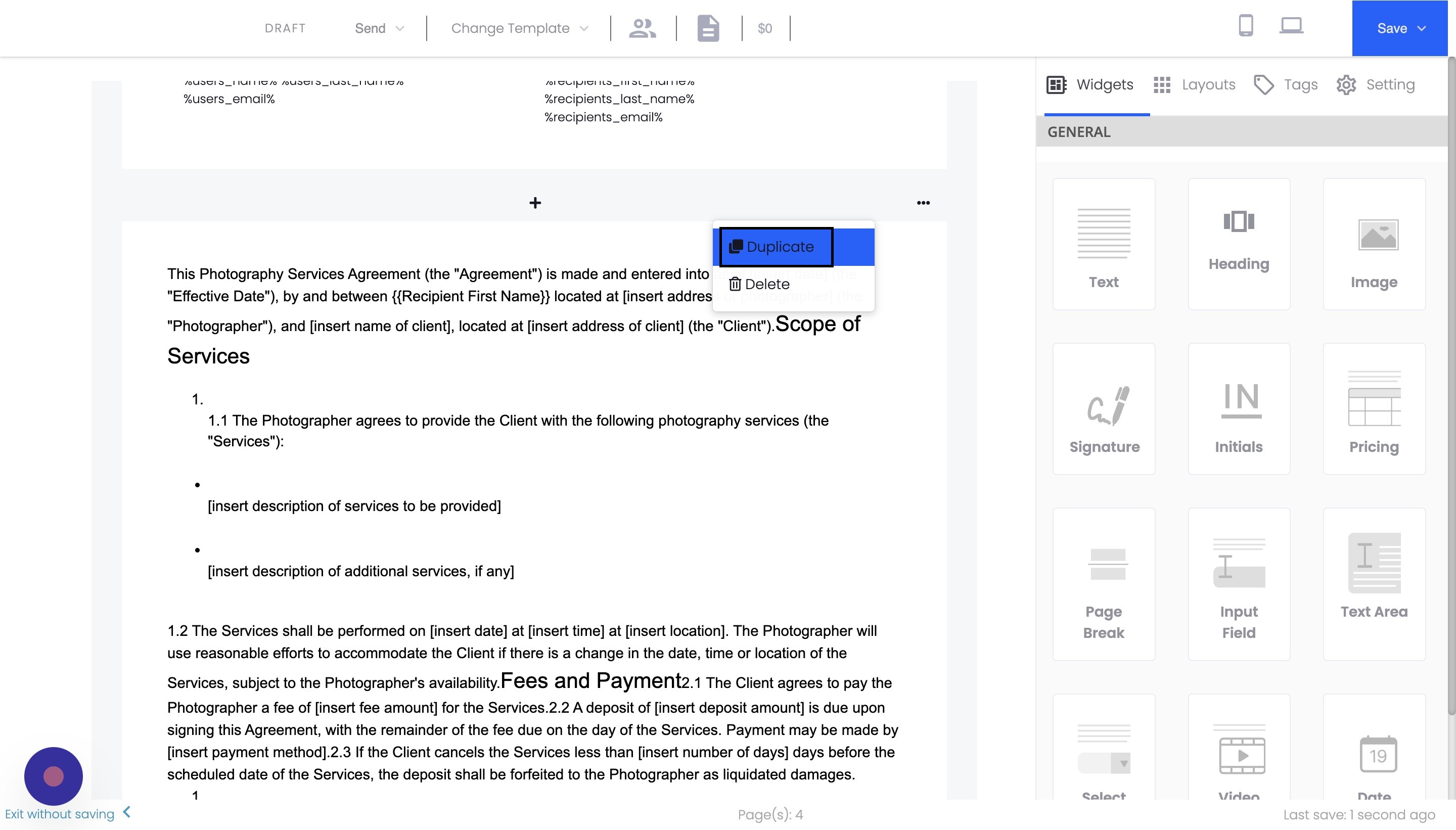
The page will be duplicated and added to your document.
Conclusion
Duplicating a page in Agiled Docs is a quick and easy process. Following these steps, you can efficiently create copies of existing pages, saving time and effort when creating similar pages for your contracts or proposals.
FAQs
Can I duplicate multiple pages at once in Agiled Docs?
Currently, Agiled Docs only allows you to duplicate one page at a time. However, you can quickly duplicate multiple pages by repeating the process for each page you want to duplicate.
Will the duplicated page retain all the content and formatting of the original page?
Yes, the duplicated page will contain all the content and formatting of the original page. This makes it easy to create similar pages with minor changes or to use the duplicated page as a starting point for further customization.
Can I change the order of the pages in my document after duplicating a page?
Yes, you can change the order of the pages in your document by clicking and dragging the page thumbnails in the left-hand sidebar. This allows you to rearrange your pages as needed after duplicating a page.
Was this article helpful?
More in Docs
- Agiled Docs Overview : Creating Contracts & Proposals in AgiledAgiled has introduced a comprehensive and improved Docs experience based on user feedback and suggestions. This enhanced feature includes a wide range of improv
- How to add a cover pageIntroduction: In this tutorial, we will show you how to add and customize a cover page for your documents, proposals, or contracts in Agiled Docs. Cover pages c
- How Clients Can Sign Documents in AgiledIntroduction: In this tutorial, we will guide you through how your clients can sign the documents you sent them using Agiled. Signing documents in Agiled is a s
- How to use Merge Tags in Agiled DocsIntroduction In this tutorial, we'll show you how to use merge tags in Agiled Docs to personalize your contracts or proposals with client data from the CRM. Mer
Questions about this? Agiled Assist answers from these articles.