How to save Doc as a Template
Here is a video tutorial on saving doc as a template. Introduction: This tutorial will show you how to save a document as a template in Agiled Docs. This featu
Updated 2 min read
Here is a video tutorial on saving doc as a template.
Introduction:
This tutorial will show you how to save a document as a template in Agiled Docs. This feature allows you to reuse document designs and layouts for future projects, saving time and ensuring consistency.
Saving Doc as a Template
Step 1: Create Your Document
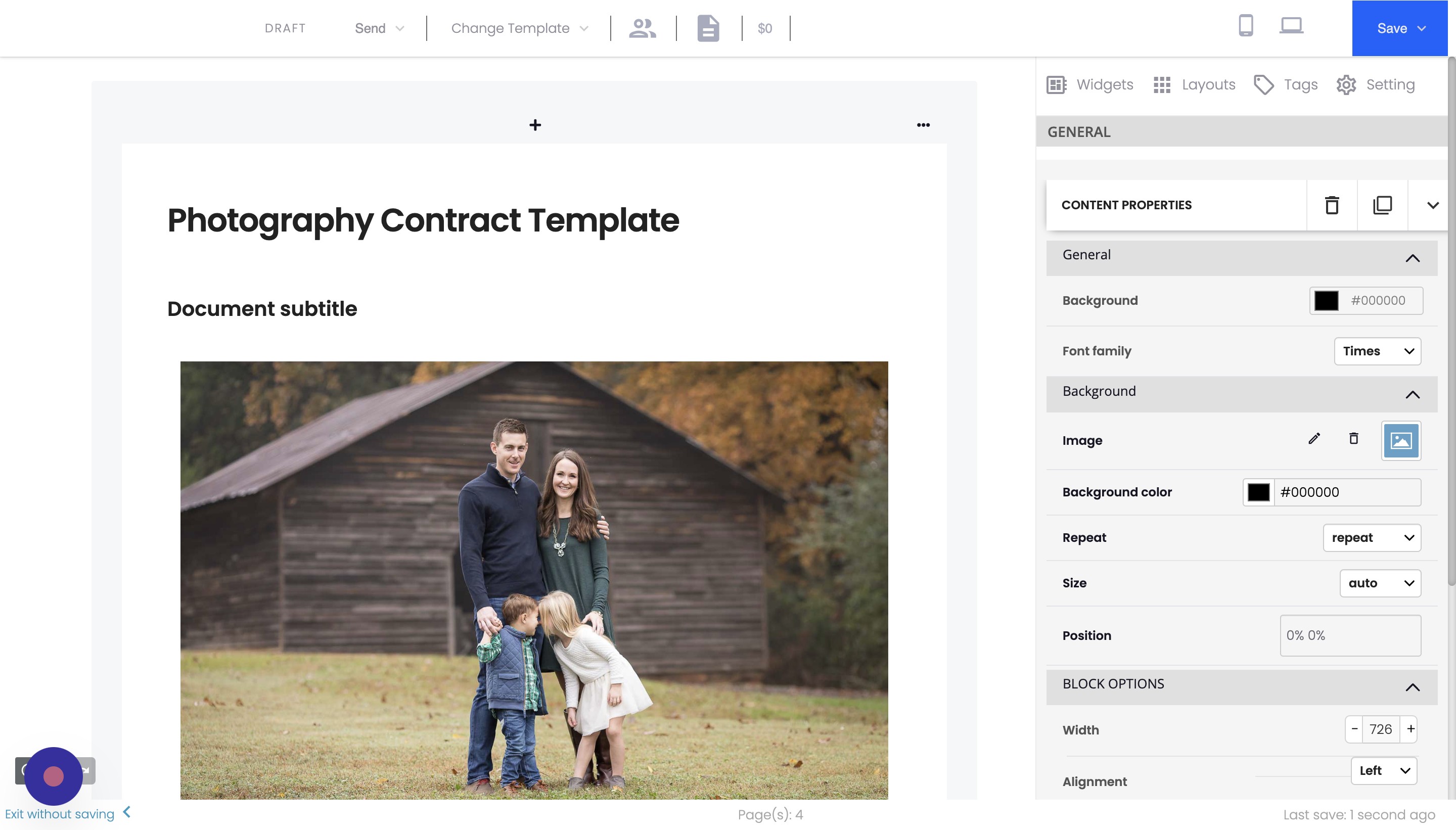
Begin by creating your document in Agiled Docs. Design the layout and add any necessary content that you want to include in your template.
Step 2: Save the Document as a Template
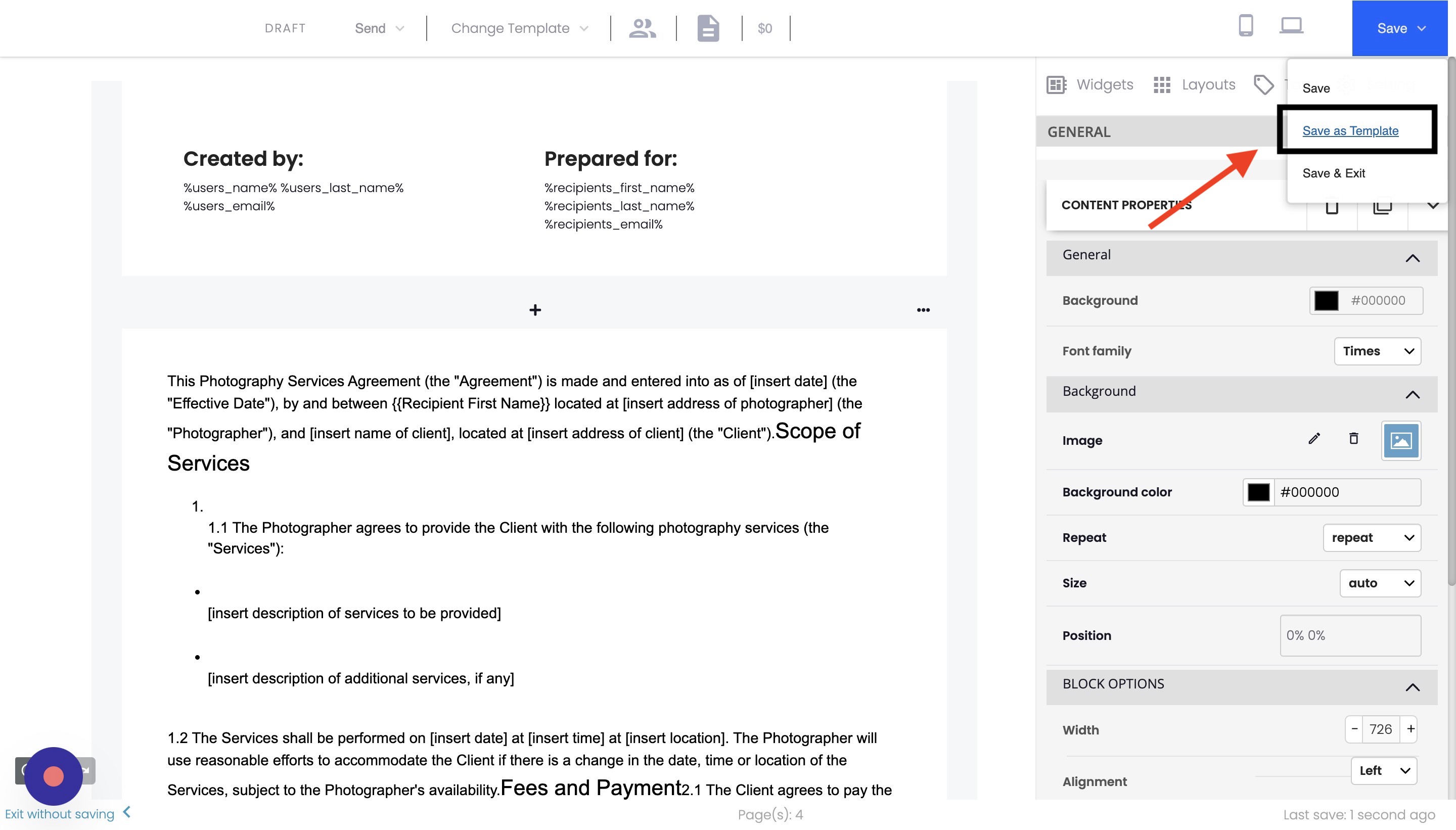
To save your document as a template, follow these steps:
Click on the "Save" button located in the top right corner of the document builder.
Choose the "Save as Template" option from the dropdown menu.
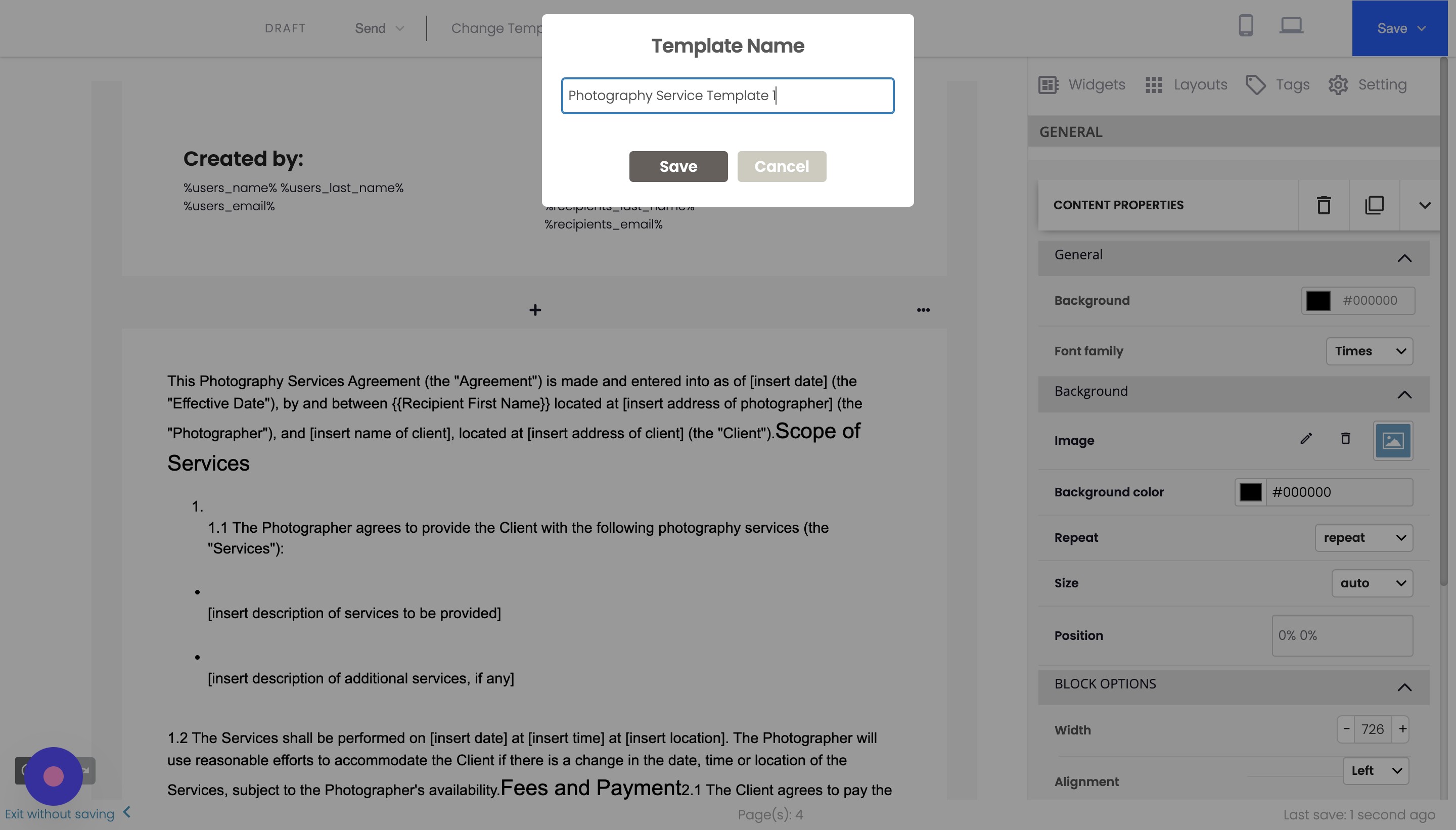
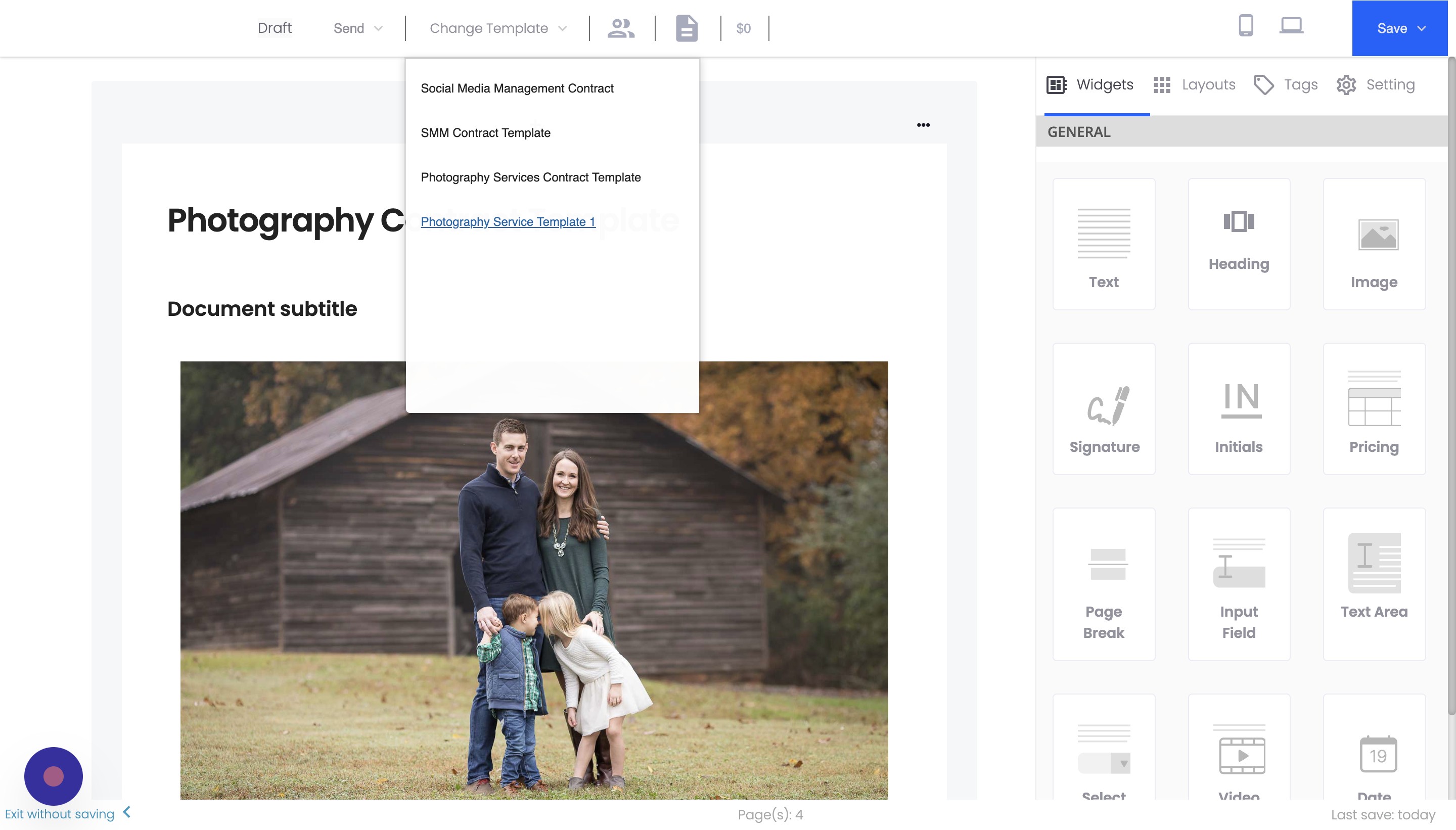
Enter a name for your new template (e.g., "Photography Service Template 1").
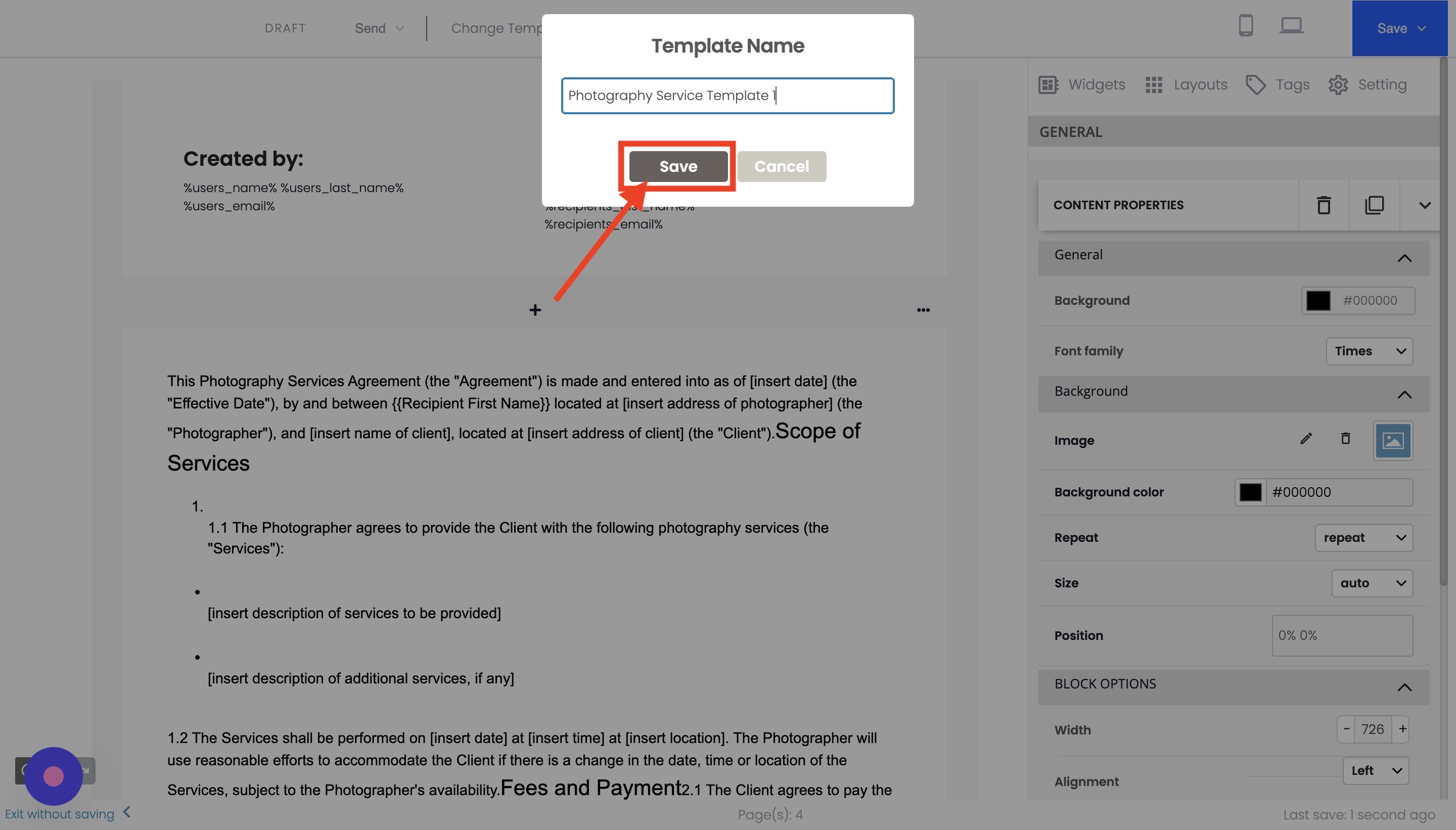
Click the "Save" button to save your document as a template.
Step 3: Access Your Saved Template
To verify that your document has been saved as a template, reload the document builder. You should now see your new template available in the list of templates. You can select and apply it to new documents as needed.
Conclusion
Saving a document as a template in Agiled allows you to create new documents with consistent designs and layouts quickly. Following these simple steps can save time and maintain a professional appearance in your contracts and proposals.
FAQs
Can I edit a saved template?
Yes, you can edit a saved template by accessing it through the template list, making any necessary changes, and saving it again as a template.
Can I share my saved templates with other team members?
Yes, you can share your saved templates with other team members in Agiled. To do so, ensure that your team members have access to the same Agiled account.
How many templates can I save in Agiled?
There is no specific limit to the number of templates you can save in Agiled. You can create and save as many templates as you need to suit your business requirements.
Was this article helpful?
More in Docs
- Agiled Docs Overview : Creating Contracts & Proposals in AgiledAgiled has introduced a comprehensive and improved Docs experience based on user feedback and suggestions. This enhanced feature includes a wide range of improv
- How to add a cover pageIntroduction: In this tutorial, we will show you how to add and customize a cover page for your documents, proposals, or contracts in Agiled Docs. Cover pages c
- How Clients Can Sign Documents in AgiledIntroduction: In this tutorial, we will guide you through how your clients can sign the documents you sent them using Agiled. Signing documents in Agiled is a s
- How to use Merge Tags in Agiled DocsIntroduction In this tutorial, we'll show you how to use merge tags in Agiled Docs to personalize your contracts or proposals with client data from the CRM. Mer
Questions about this? Agiled Assist answers from these articles.