How to save Forms as Templates in Agiled
Introduction Agiled's form builder allows you to save your custom forms as templates for future use. This handy feature streamlines the process of creating simi
Updated 1 min read
Introduction
Agiled's form builder allows you to save your custom forms as templates for future use. This handy feature streamlines the process of creating similar forms in the future, saving time and effort. In this guide, we'll walk you through the process of saving your form as a template in Agiled.
Saving Your Form as a Template
1. Start by navigating to the form builder in Agiled.

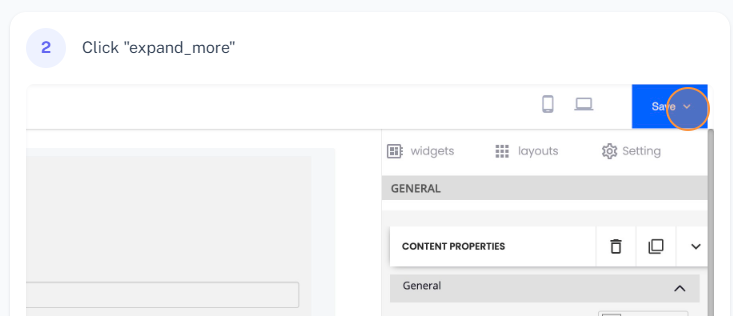
2. After creating your form with the required fields, click on the 'Save' button located in the top right corner of the screen.
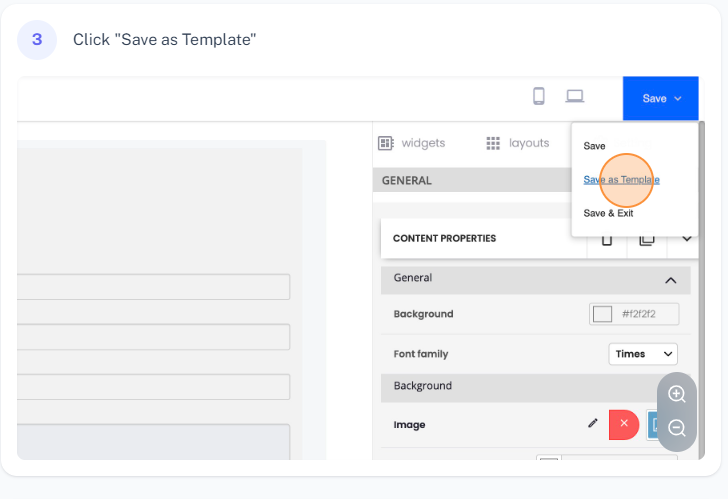
3. From the dropdown menu, select 'Save as Template'.
4. A prompt will appear asking you to name your template. Enter your desired template name (e.g., 'Sample Form Template').
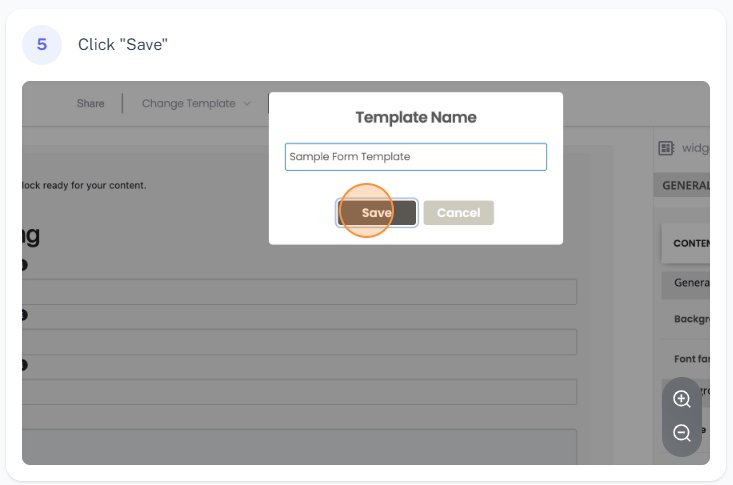
5. Click 'Save' to finalize the creation of your template.
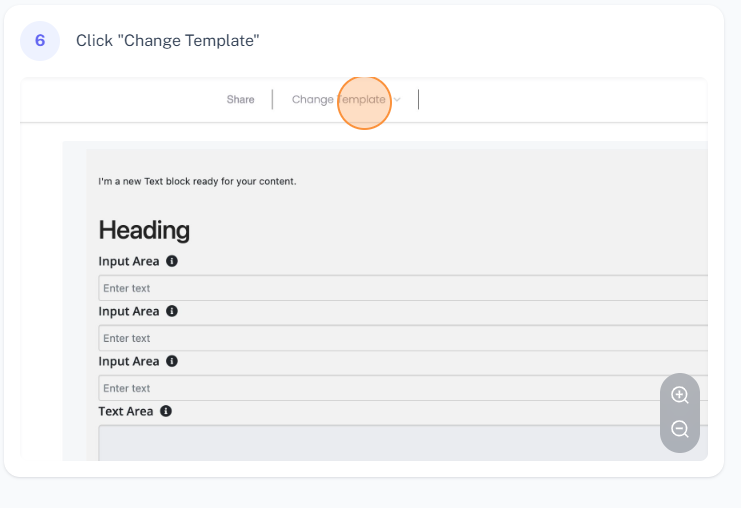
6. To verify that your template was created successfully, refresh the page. The newly created template should now be available in the 'Template' dropdown menu.
FAQs
How can I save my form as a template in Agiled?
After creating your form in the form builder, click on the 'Save' button and select 'Save as Template' from the dropdown menu. You'll be prompted to name your template. After entering the name, click 'Save'. Your form will now be saved as a template for future use.
Where can I find the saved templates in Agiled?
After saving a form as a template, you can find it in the 'Template' dropdown menu within the form builder. If you don't see it immediately, try refreshing the page.
Can I use saved templates for creating new forms?
Absolutely! The main advantage of saving a form as a template is to facilitate and expedite the creation of similar forms in the future. Just select your saved template from the 'Template' dropdown menu when creating a new form.
Was this article helpful?
More in CRM
- How to add a new Client.You can add clients in Agiled to send them invoices, estimates, proposals, contracts, and to collaborate with them on projects. You can also invite them to the
- How to whitelist Agiled.app in G suite Admin panel?Owing to some API policy changes from Google you need whitelist Agiled by signing into your Google Admin console using an administrator account. If you don’t kn
- How to delete an account in CRMIt is very simple to delete an account in CRM. Follow the steps given below: 1. Click on 'CRM' and go to 'Accounts' on the toolbar. 2. You will find a list of a
- How to add notes for Account?Video tutorial on how to add notes for an Account. In Agiled you can add notes for Accounts to keep track of important things about Account in the CRM. You can
Questions about this? Agiled Assist answers from these articles.