How to add a Task for Contact?
Video Tutorial on how to add a task for a contact In Agiled, you can add tasks in the CRM contacts. Tasks are a way to create a to-do list about a contact in Ag
Updated 1 min read
Video Tutorial on how to add a task for a contact
In Agiled, you can add tasks in the CRM contacts. Tasks are a way to create a to-do list about a contact in Agiled. You can create tasks in a contact as a reminder to follow up, send files etc. Tasks in Agiled CRM have deadlines or due dates which help you keep your communication with clients up to date. Creating a task for Contact in Agiled is very simple.
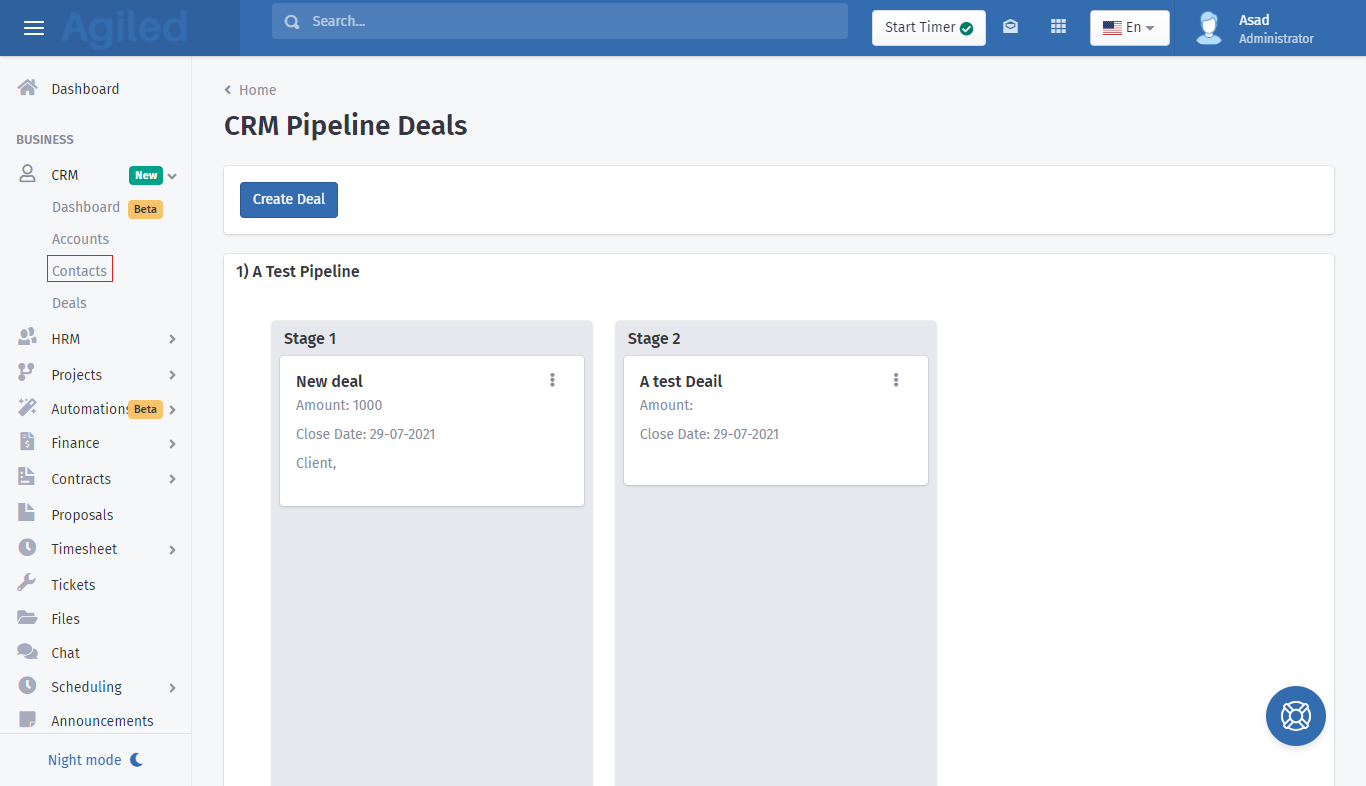
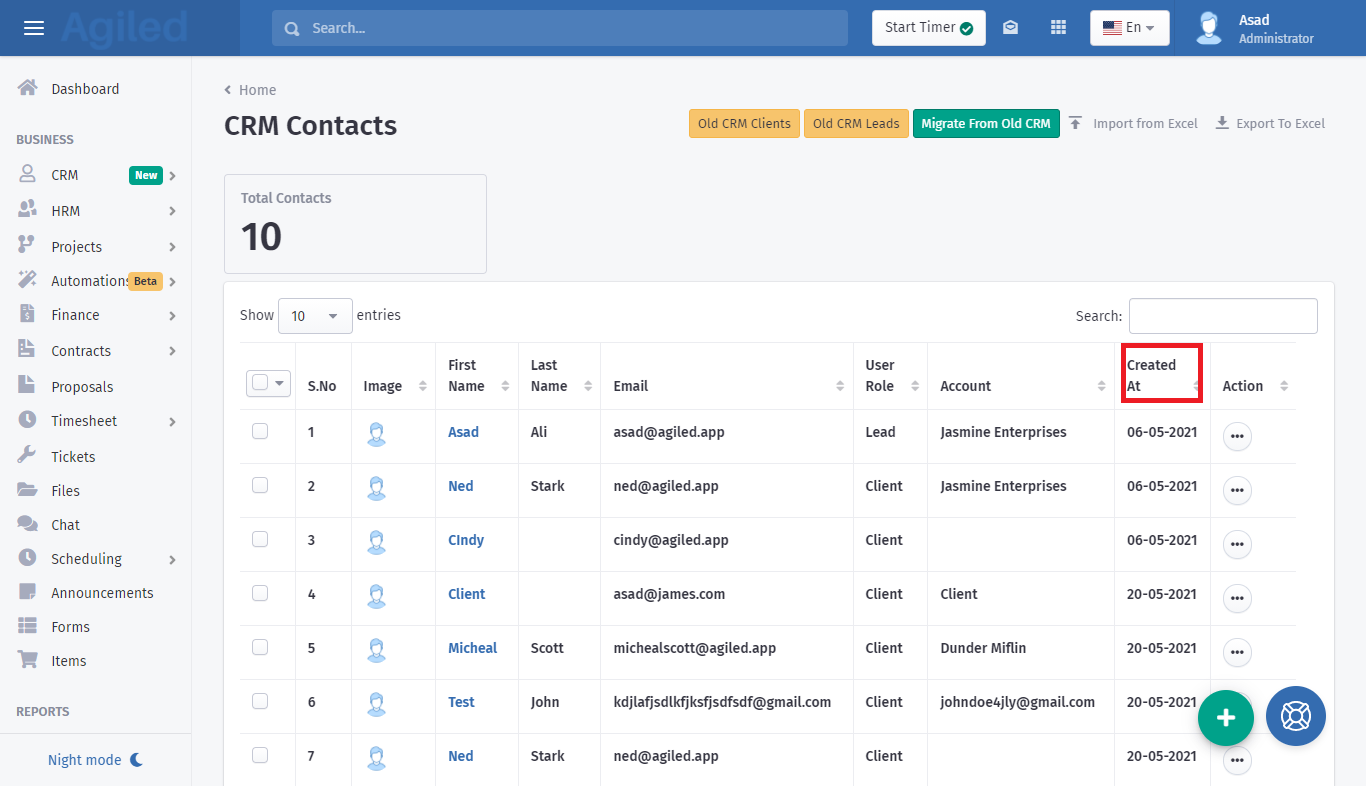
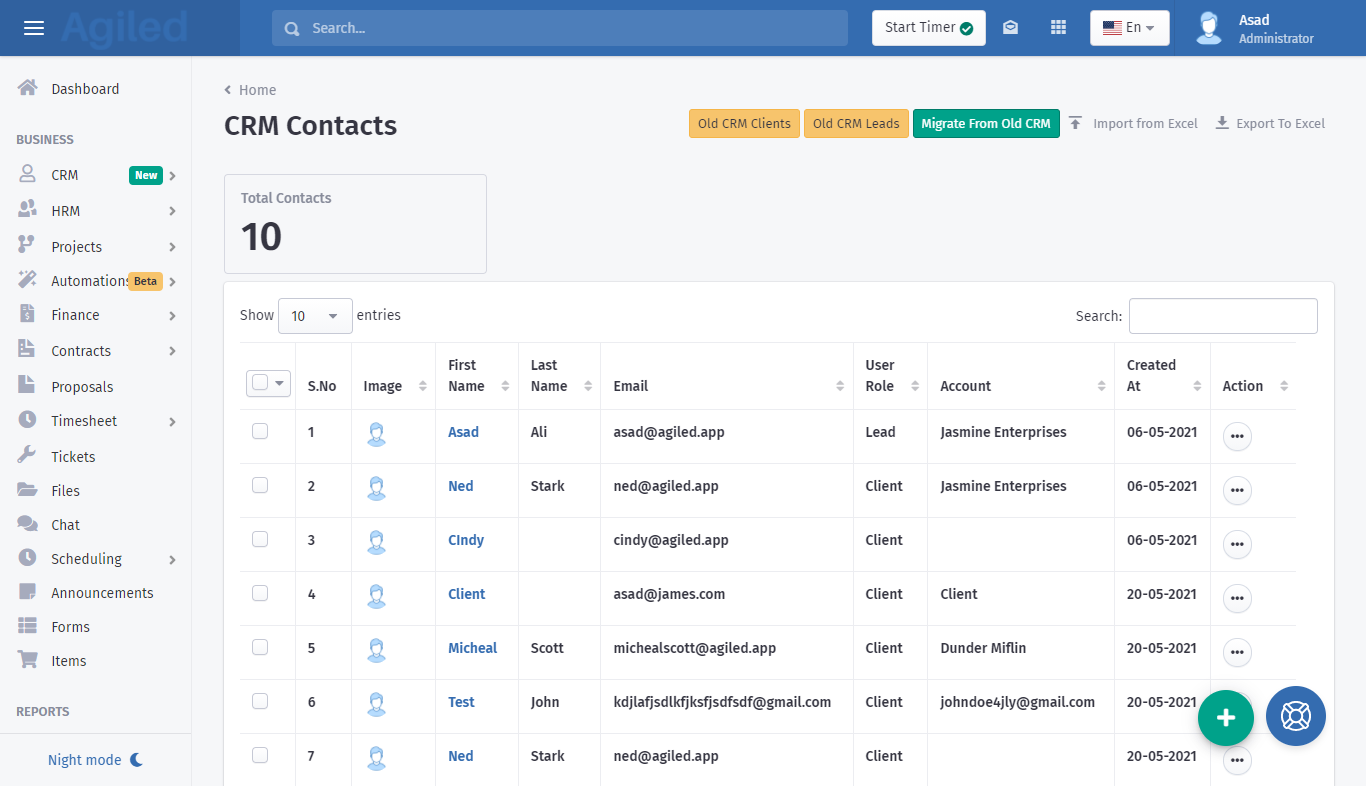
1. From Dashboard go to CRM and click on Contacts.
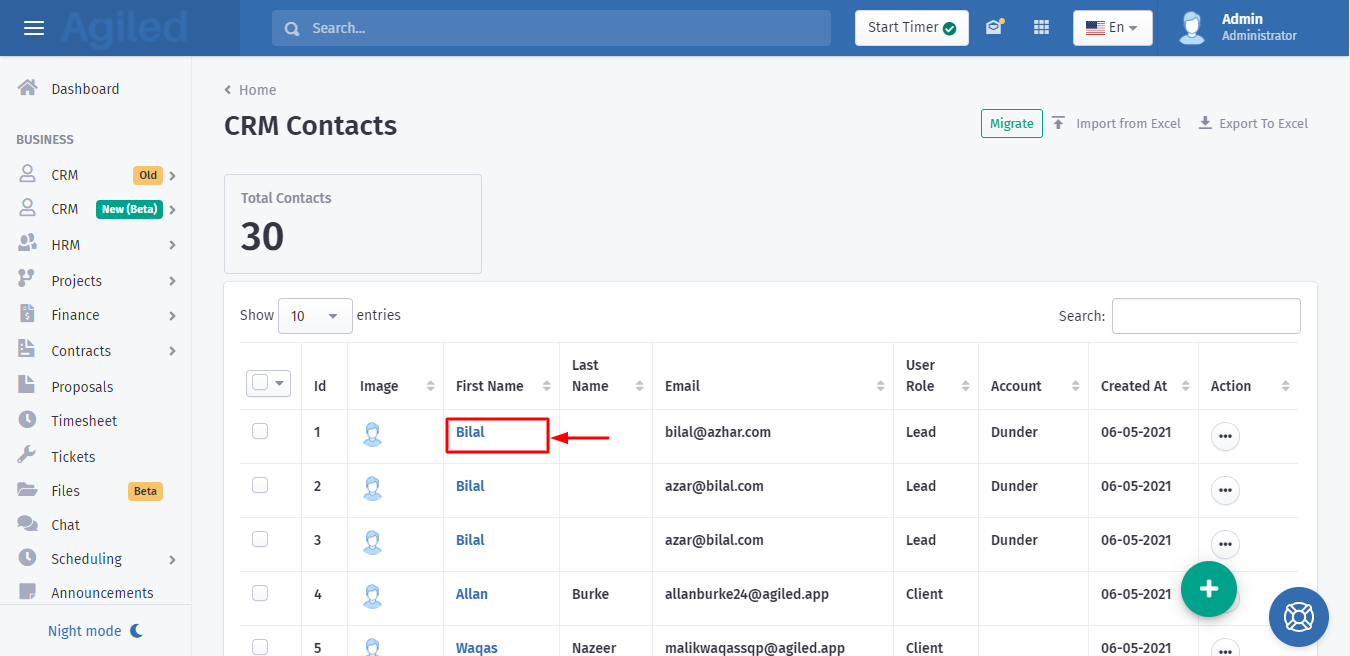
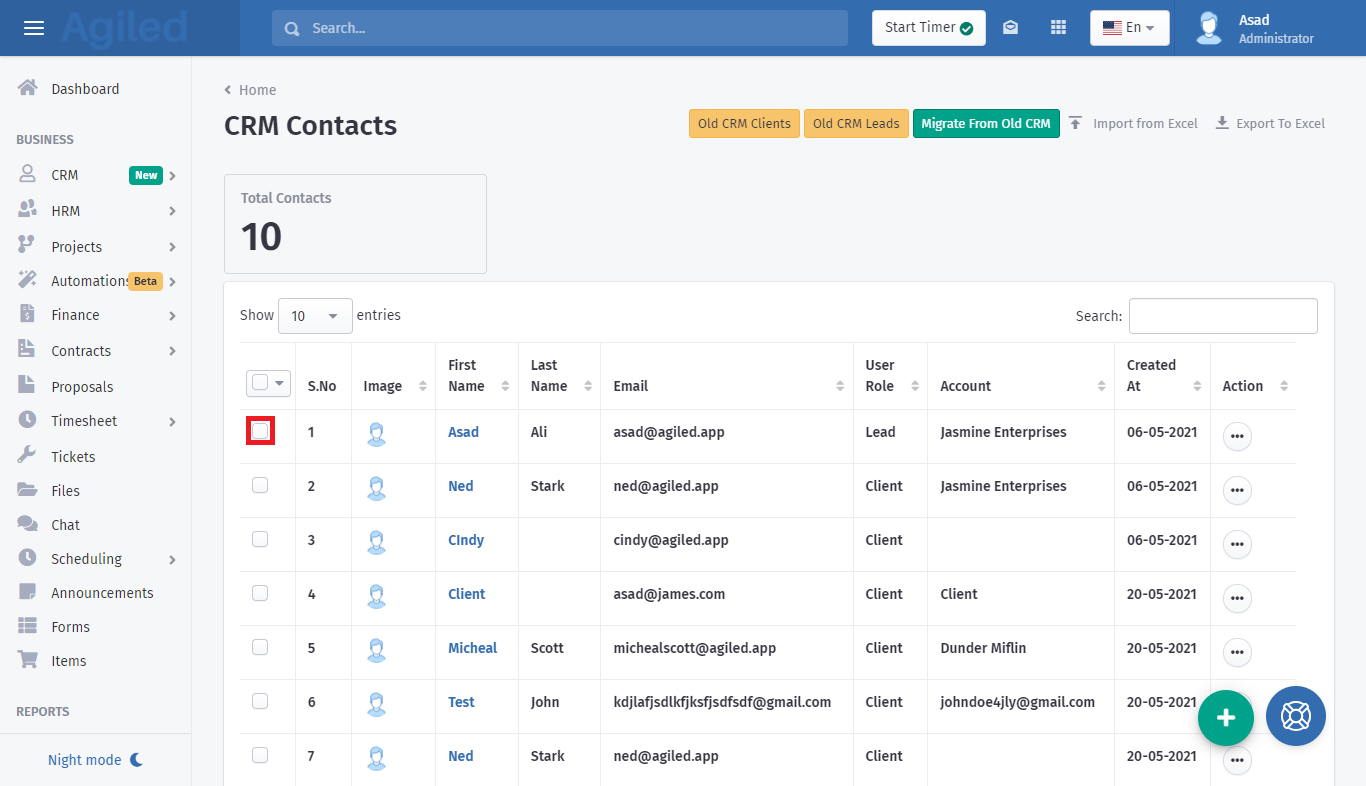
2. From Contacts, choose a contact in which you want to add a task.
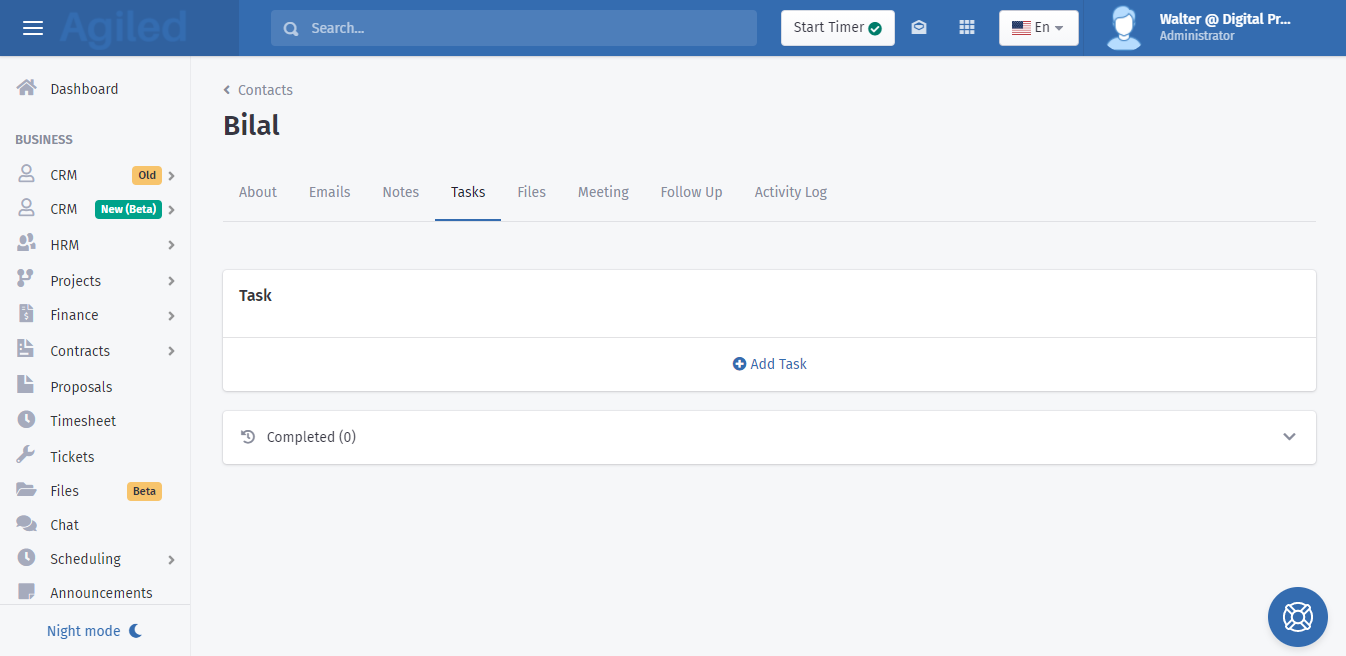
3. Go to the tasks tab in the contact details, and click on add new task.
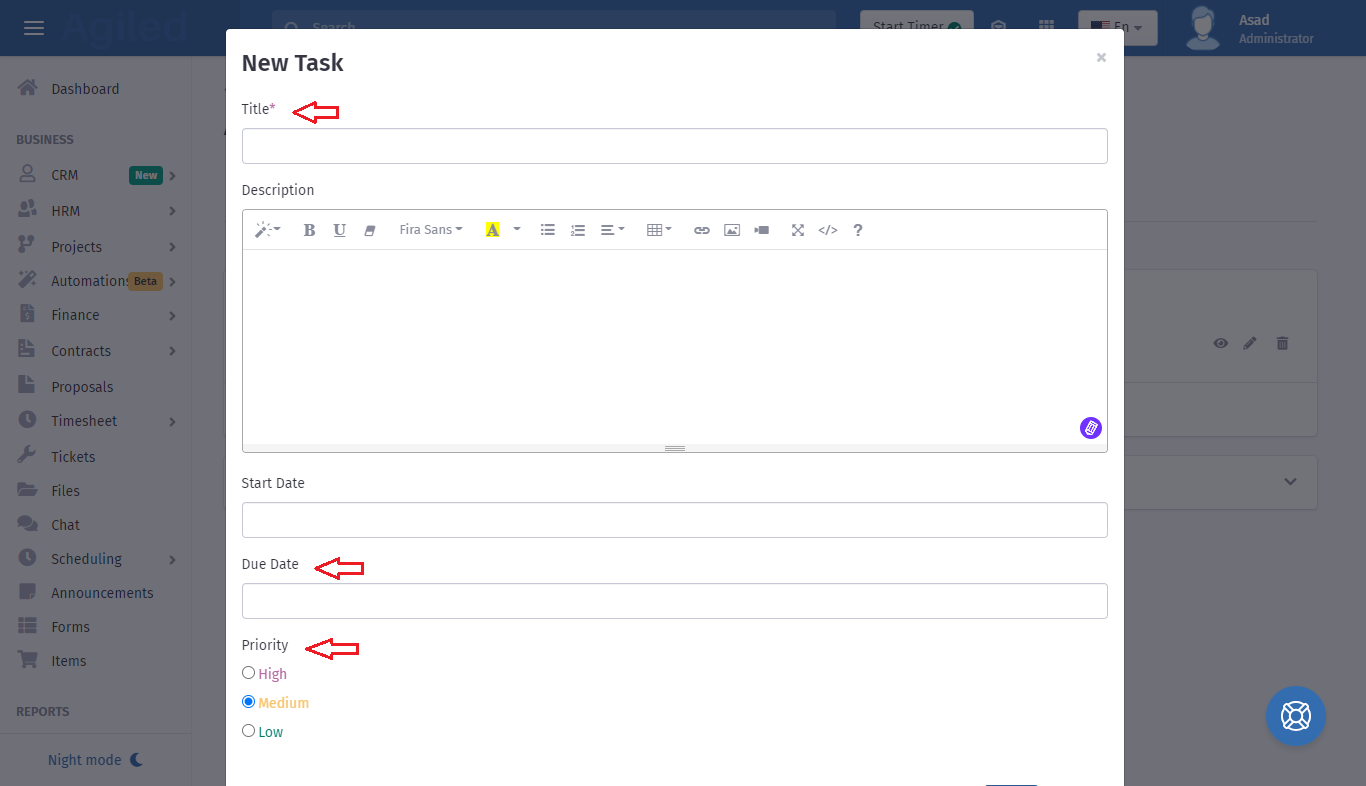
4. In the add task popup, Add task name, due date, set priority, and click the save button.
5. Task will be created.
You can view task details by clicking on the view icon in front of Task.
6. Once you have completed the task, you can check the checkbox which is right before the task name, so the task can be marked as completed.
7. You will be able to see all the completed tasks in the “Completed” section.
Tasks are really powerful especially for Sales Person to keep track of all the things they have to do to close a sale. There is no limit on the number of the tasks you can add for a contact, so start adding tasks to close more sales.
Was this article helpful?
More in CRM
- How to add a new Client.You can add clients in Agiled to send them invoices, estimates, proposals, contracts, and to collaborate with them on projects. You can also invite them to the
- How to whitelist Agiled.app in G suite Admin panel?Owing to some API policy changes from Google you need whitelist Agiled by signing into your Google Admin console using an administrator account. If you don’t kn
- How to delete an account in CRMIt is very simple to delete an account in CRM. Follow the steps given below: 1. Click on 'CRM' and go to 'Accounts' on the toolbar. 2. You will find a list of a
- How to add notes for Account?Video tutorial on how to add notes for an Account. In Agiled you can add notes for Accounts to keep track of important things about Account in the CRM. You can
Questions about this? Agiled Assist answers from these articles.