Getting Started In Agiled
Step by step guide to getting started in Agiled. Welcome to Agiled, an all in one business management solution. To get the best out of Agiled, let's start by u
Updated 3 min read
Step by step guide to getting started in Agiled.
Welcome to Agiled, an all in one business management solution.
To get the best out of Agiled, let's start by understanding different features of Agiled.
Let's start with Dashboard.
Dashboard
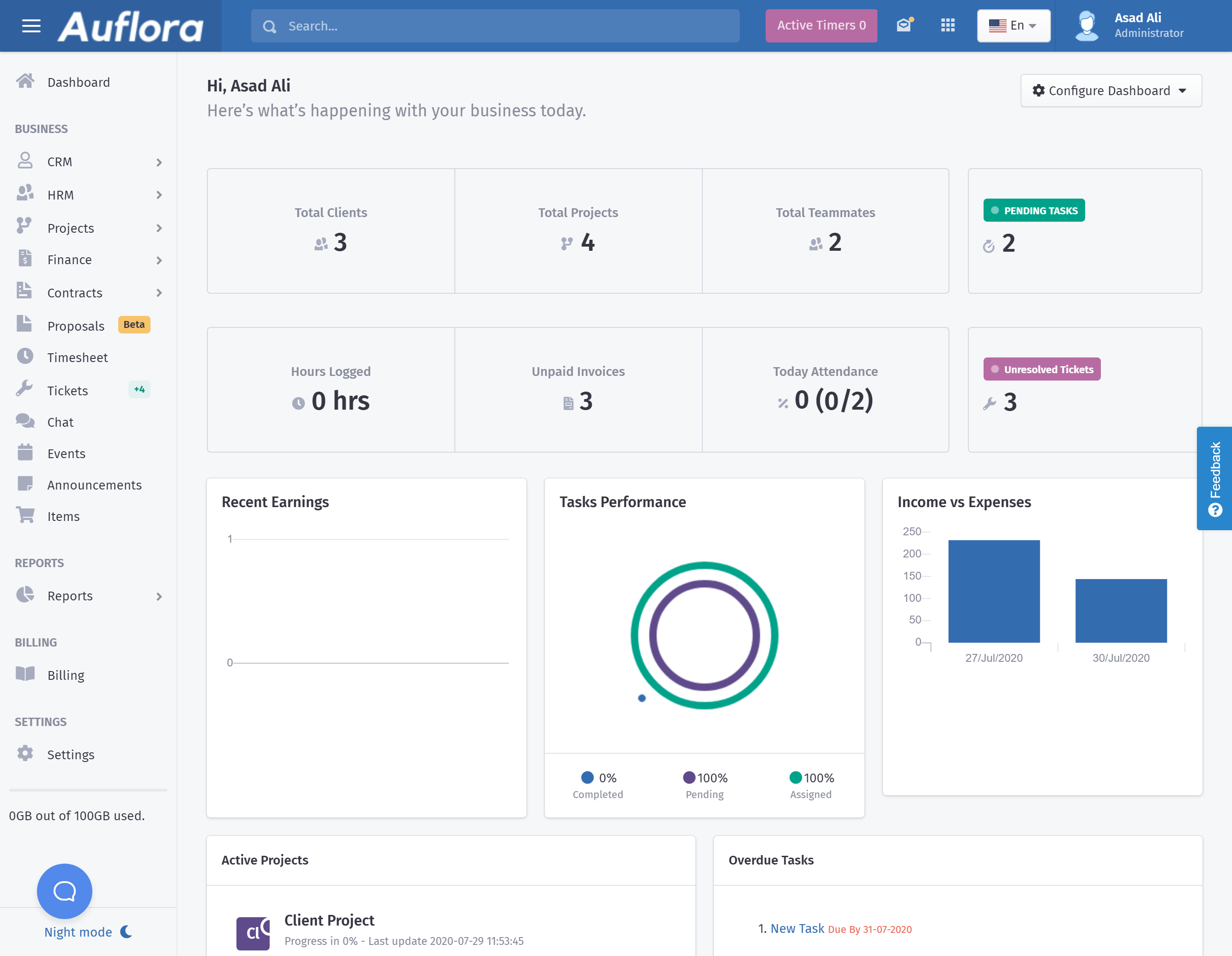
This is the dashboard you see after your complete the onboarding steps.
Search
Want to search a lead, client, invoice or an estimate? Quickly search from the search bar in the header as shown in the picture below. This will help you in quickly accessing the information.
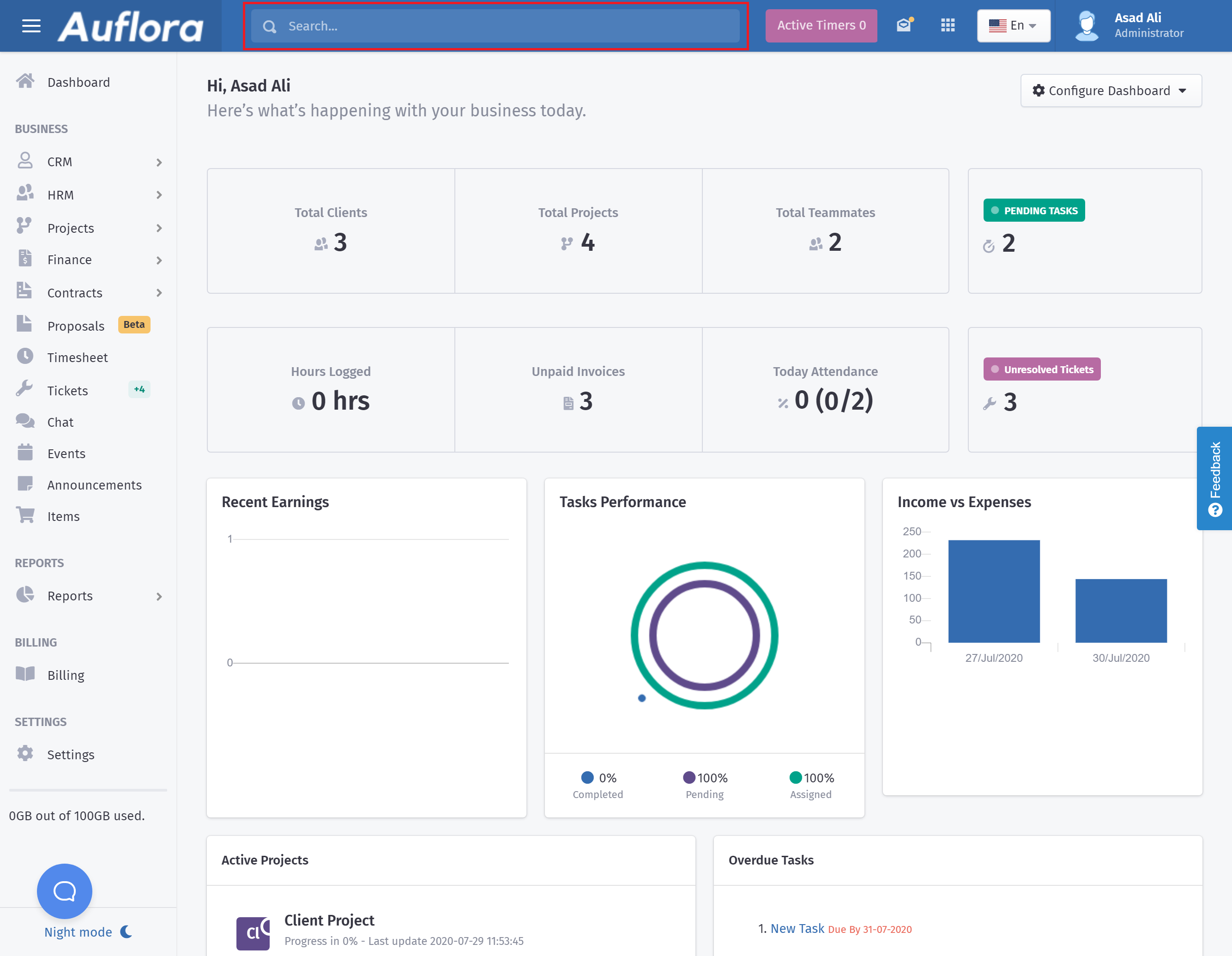
Here are the search results for "INV"
Changing the Language
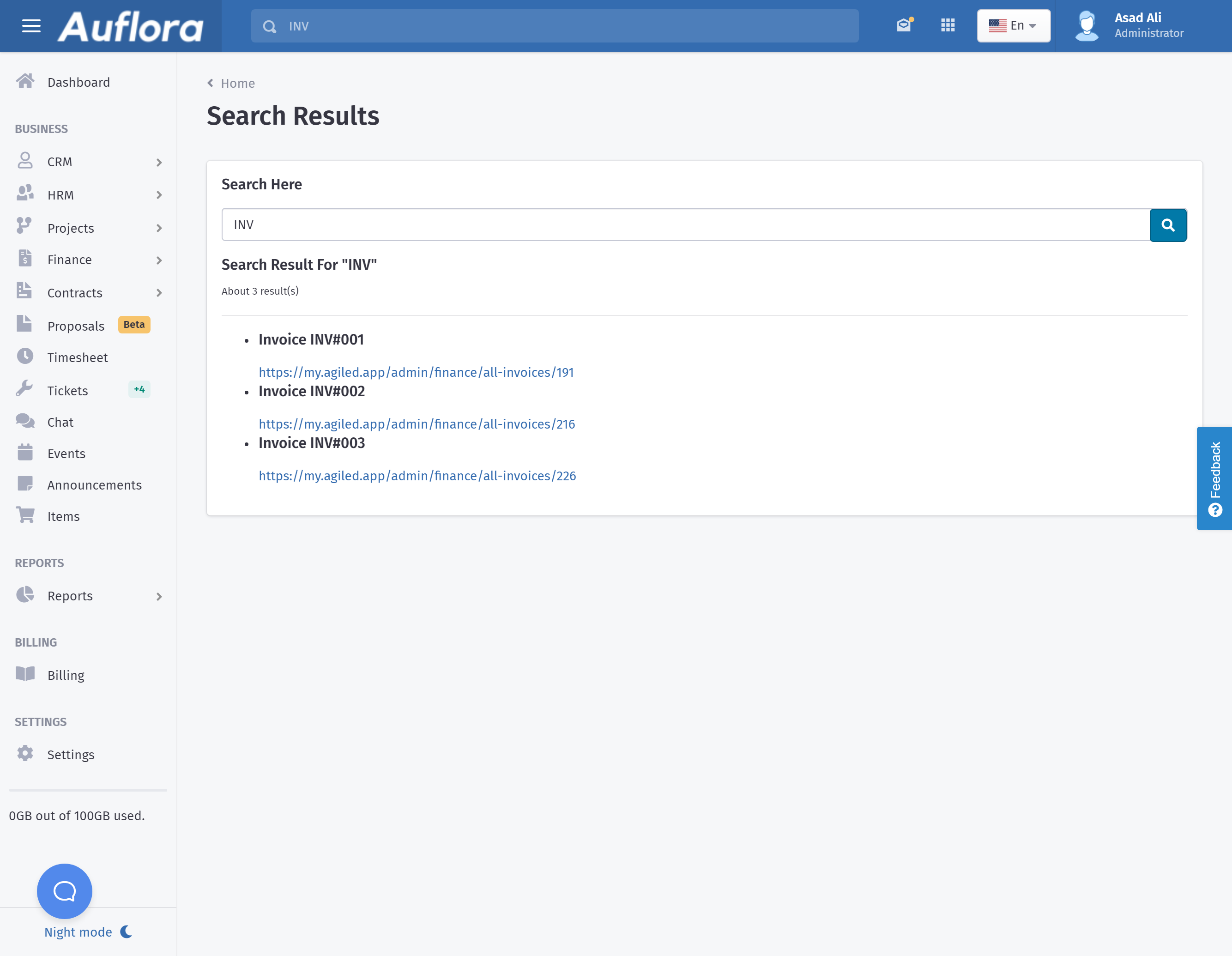
Agiled is currently available in 5 languages, English, French, Spanish, Russion, and Portugues.
To change a language you can select your desired language from the header.
Configuring Dashboard
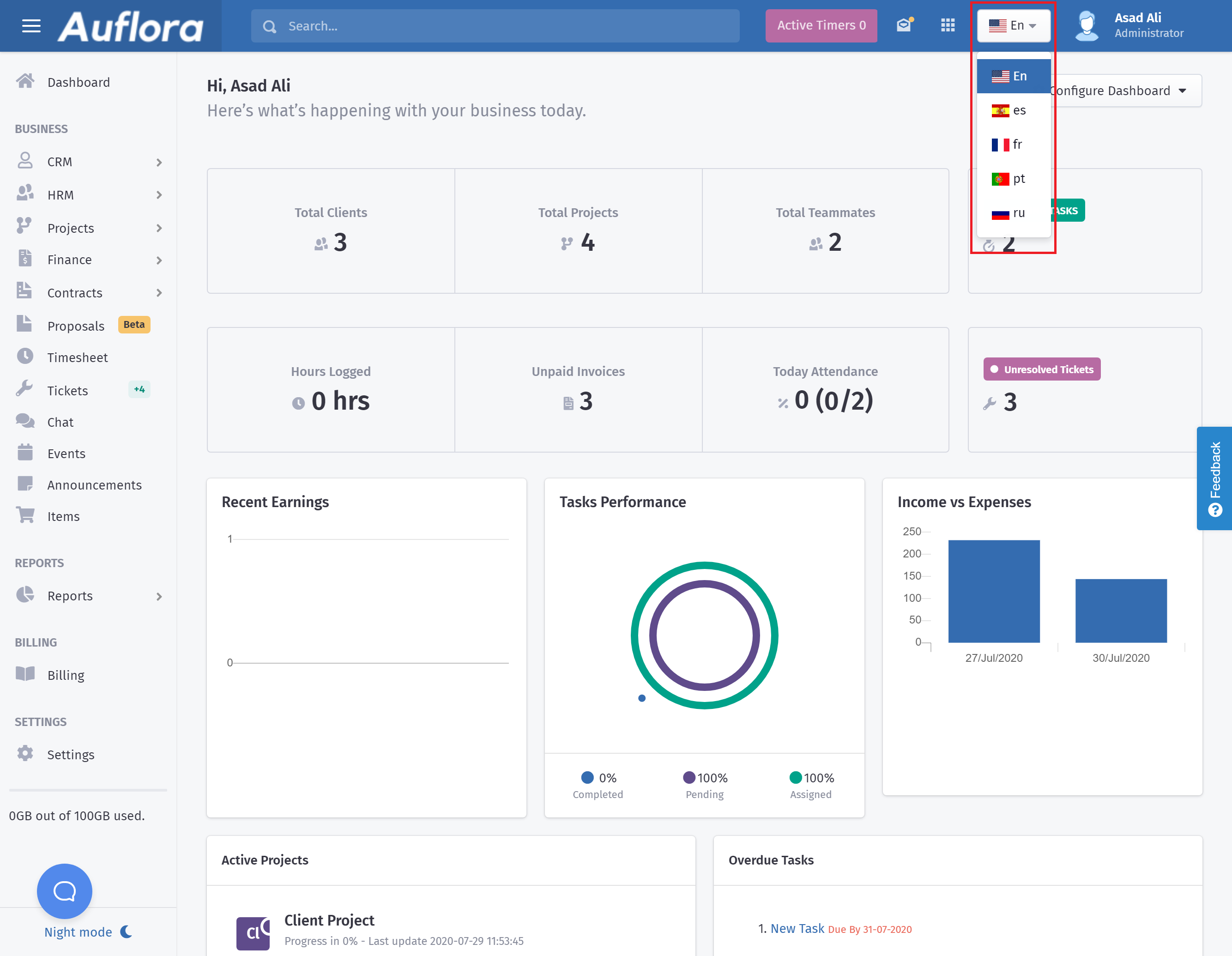
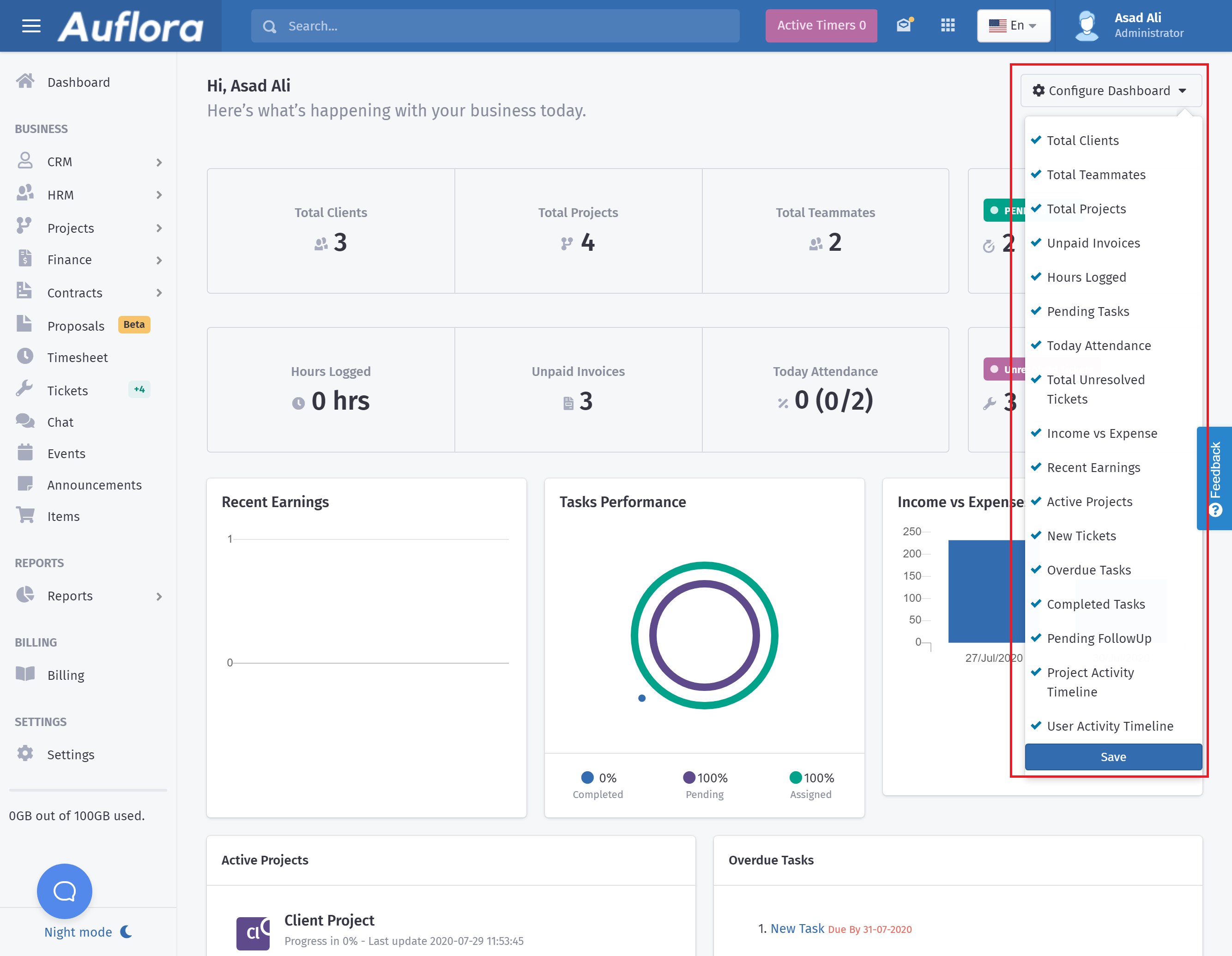
You can configure dashboard by selecting which widgets you want to see on the dashboard. This can be down by choosing widgets from the Configure Dashboard drop down as shown in the picture below.
Active Timers
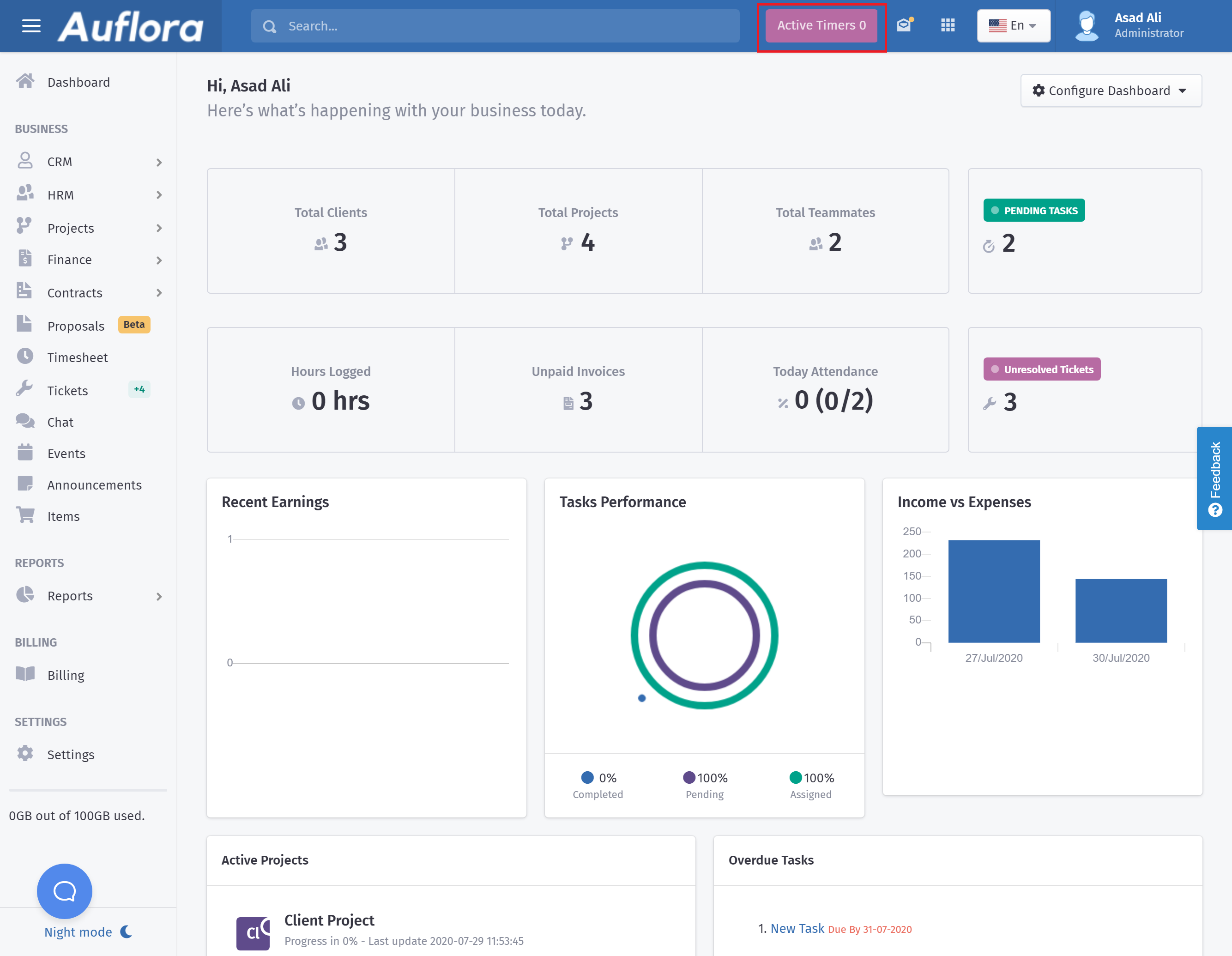
You can quickly see active timers of your team by clicking Active Timers in the header.
Creating A Client
You can create unlimited clients in Agiled's CRM and invite them to the client portal.
Here are some helpful articles to help you in creating clients.
- Creating A Client
- How to turn on chat/messaging with clients
- Adding Custom Fields For A Client
- Adding Contacts For A Client
Creating Leads
Agiled CRM comes with built in lead management and you can create unlimited leads in Agiled. You can add followups, send them proposals and convert them into client.
Here are some articles to help you with leads.
- How to create a lead
- How to import leads from Hubspot
- How to import leads from Automizy
- How to import leads from ActiveCampaign
- How to Import Leads from Sendfox
- How to import leads from Moosend
- How to Import leads from Mailshake
Adding Team Members
You can add your teammates in Agiled and manage them in one place. You can manage their attendance, leaves, salary and Payroll.
Here are some articles to help you with Team mates management.
- How to add a team member
- How to import team members from Asana
- How to import team members from Plutio
- How to import team member from Freedcamp
- How to add custom fields in team members
- How to import team members from Timecamp
Projects:
You can create unlimited projects in Agiled . You can add members to your projects to easily collaborate. You can also invite clients to projects to share files and collaborate.
Here are few articles to help you with Projects.
- How to create a new Project.
- How to import projects from Plutio.
- How to import Projects from Freedcamp.
- How to import Projects from Asana.
White Labeling
If you are on a business plan you can completely white label Agiled. You can setup your custom domain, custom SMTP and even change the look and feel of the platform.
Here are few articles to help you with white labeling.
- Setting up custom domain
- Setting Up Custom SMTP
- Using Gmail or G Suite for SMTP
- Email Templates
- Using Custom Theme
Roles & Permissions
You can create custom roles in Agiled and set permissions for them in Agiled. You have complete control over what they or don't see in their portal.
Here are few articles to setup roles and their permissions.
Dark Mode
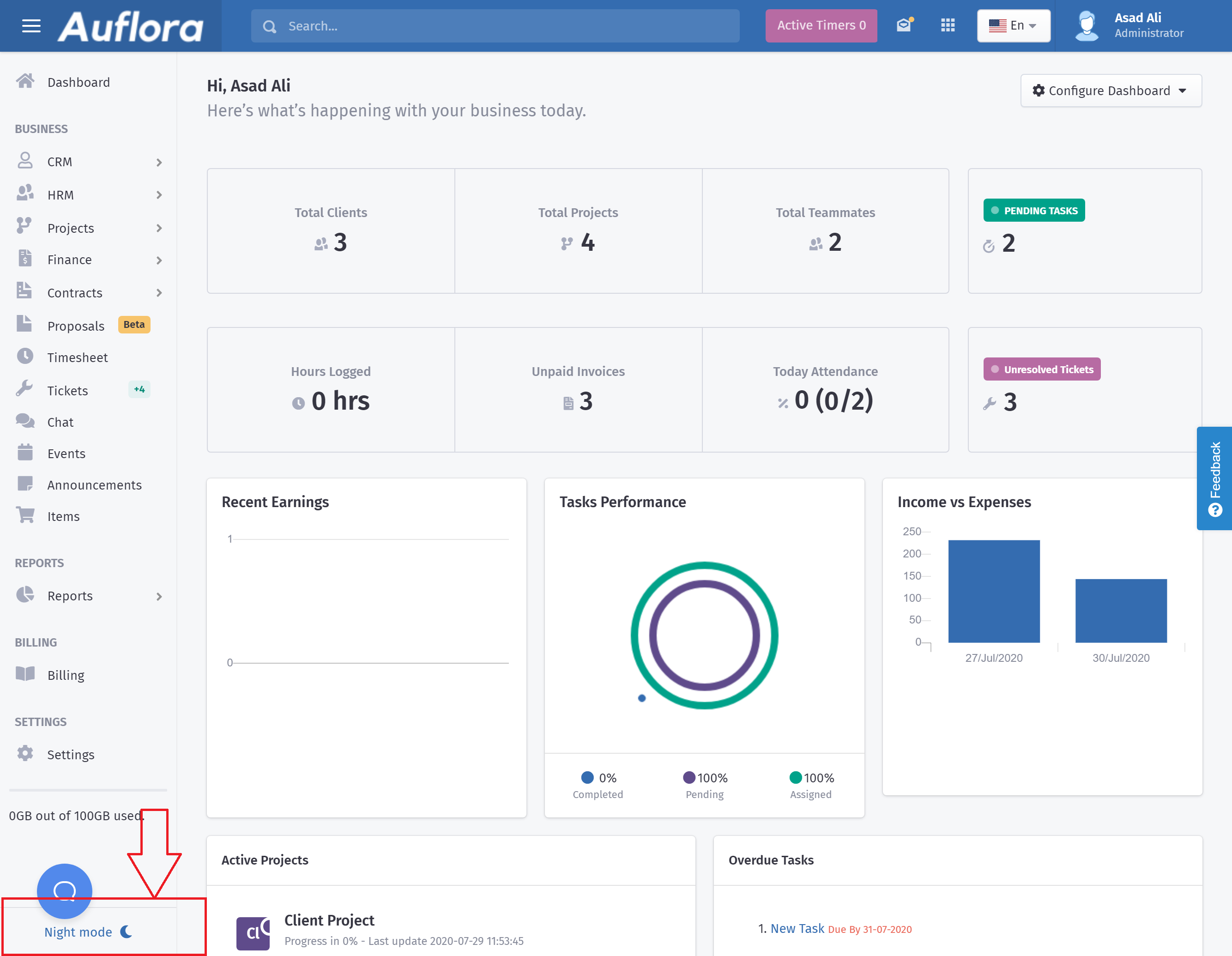
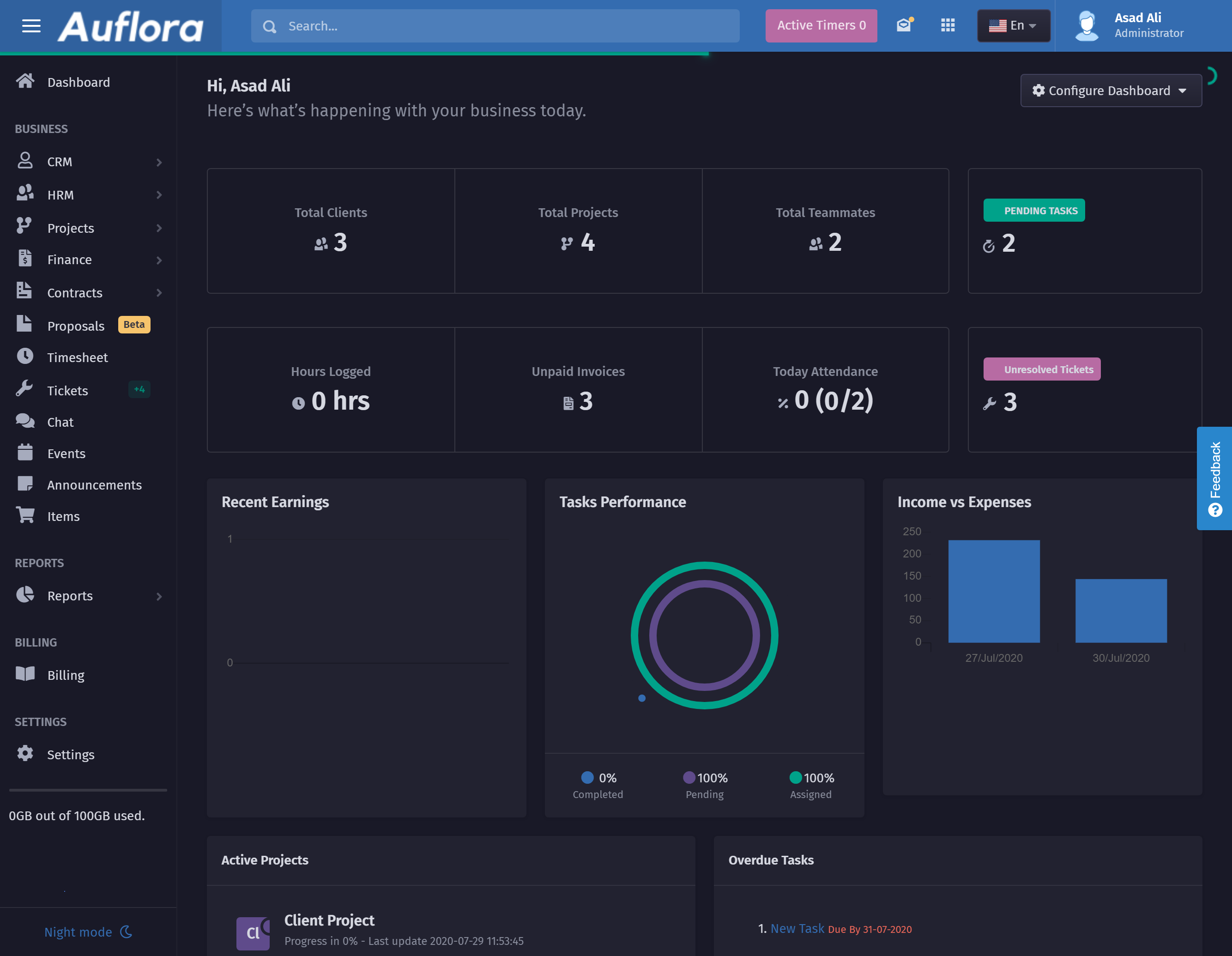
Agiled has a dark mode which is easy on your eyes and you can easily enable it. You can enable dark mode by clicking on the Night Mode from the bottom of side navigation.
and here is the dark mode.
Was this article helpful?
More in Getting Started
- How to add a project categoryHow to add a Project Category? Having a problem in adding a project category? No problem! It will be very simple for you to add a project category once you foll
- How to make someone project admin?How to make someone project admin? Do you want to make someone an admin for your project but having a problem? No worries! We have got your back :) There are
- How to create a milestone in project?How to create a milestone in the project? Facing a problem with creating milestones in a project? We have got the solution for you. Just follow this simple step
- How to edit a ProjectHow to edit a Project? You have created a project but can't figure out how to edit it? No problem! We are here to give you the solution. You can edit the projec
Questions about this? Agiled Assist answers from these articles.