Creating Projects
How to add a new project? Managing projects in Agiled is very easy and Project management in Agiled is very comprehensive. To create a new project go to Product
Updated 1 min read
How to add a new project?
Managing projects in Agiled is very easy and Project management in Agiled is very comprehensive.
To create a new project go to Productivity and click on New Project.
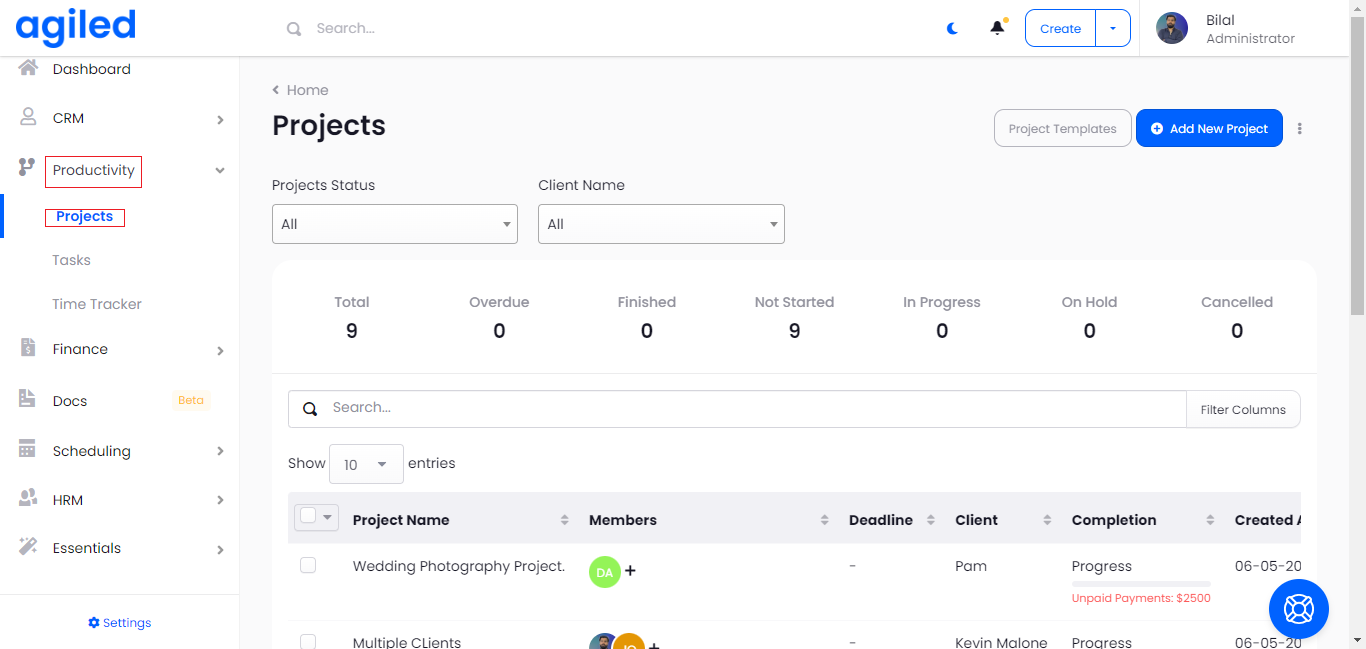
You will see the following screen after you click on Add the Project.
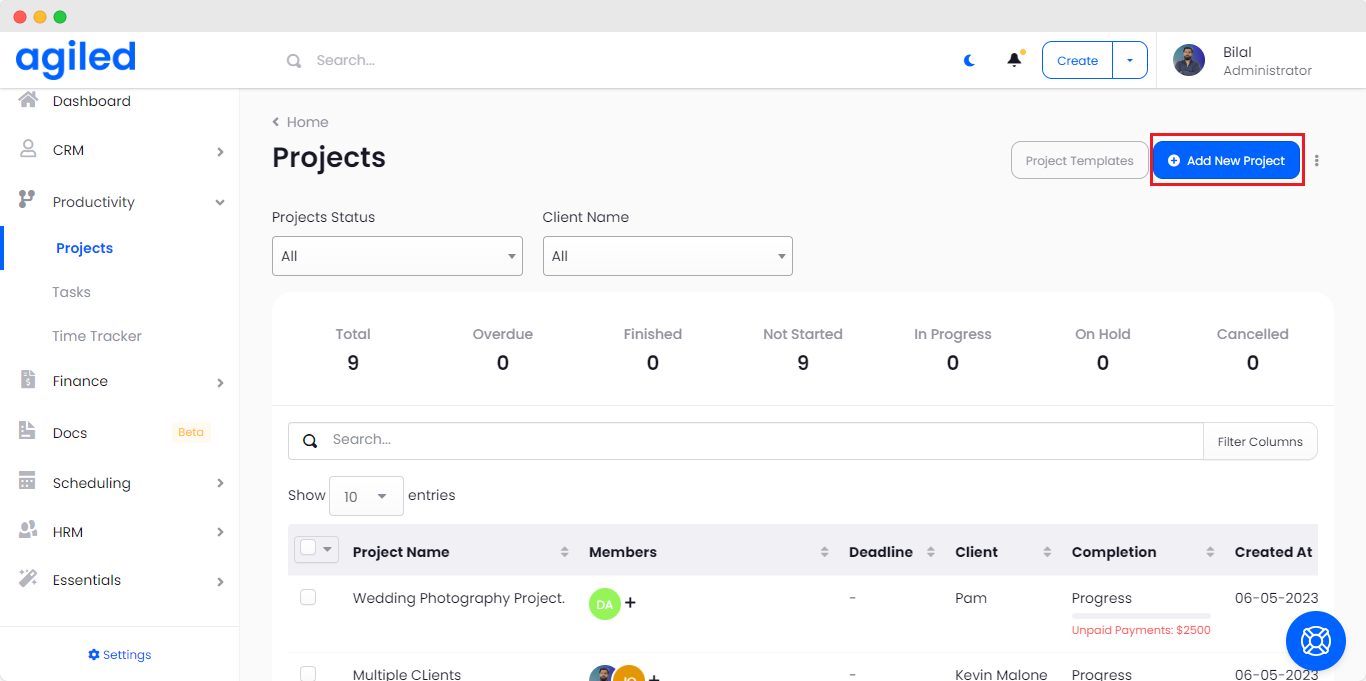
Creating Project from Template
You can create project from pre saved templates.
- To create project from template, click “Project Template” on the Create Project Screen.
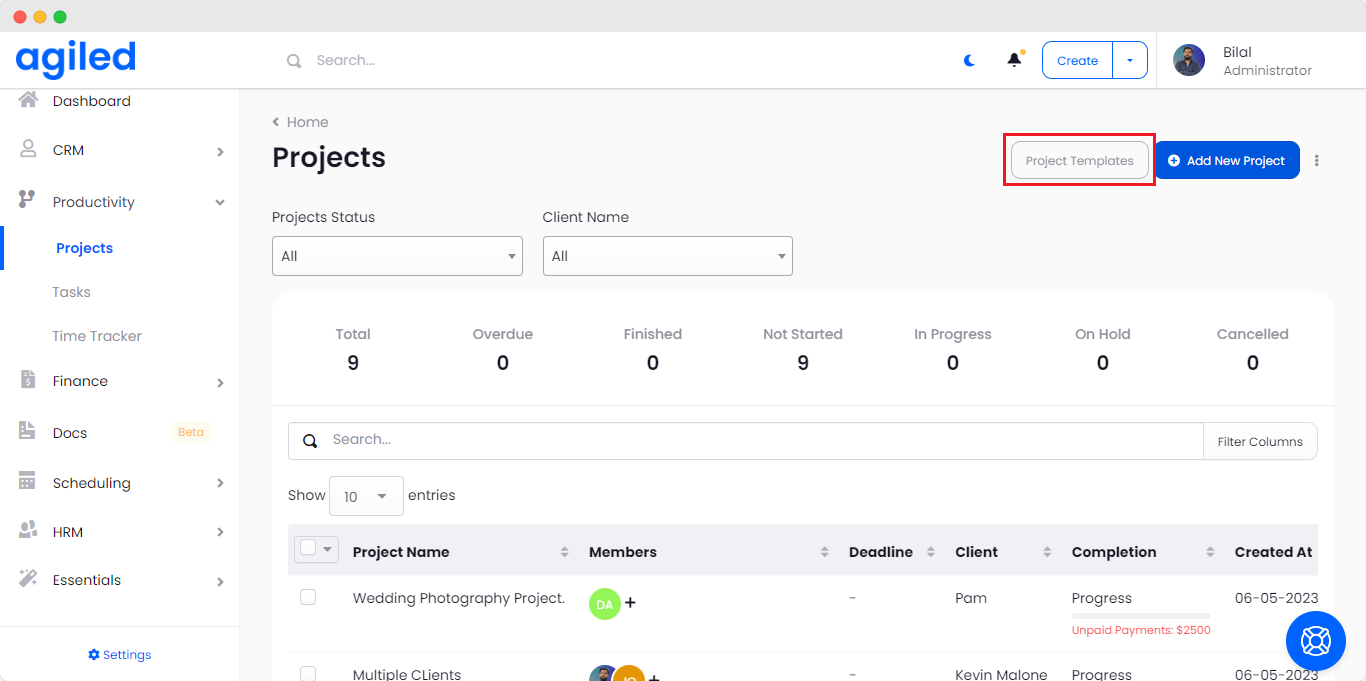
- After you click the template you will be shown the list of saved templates.
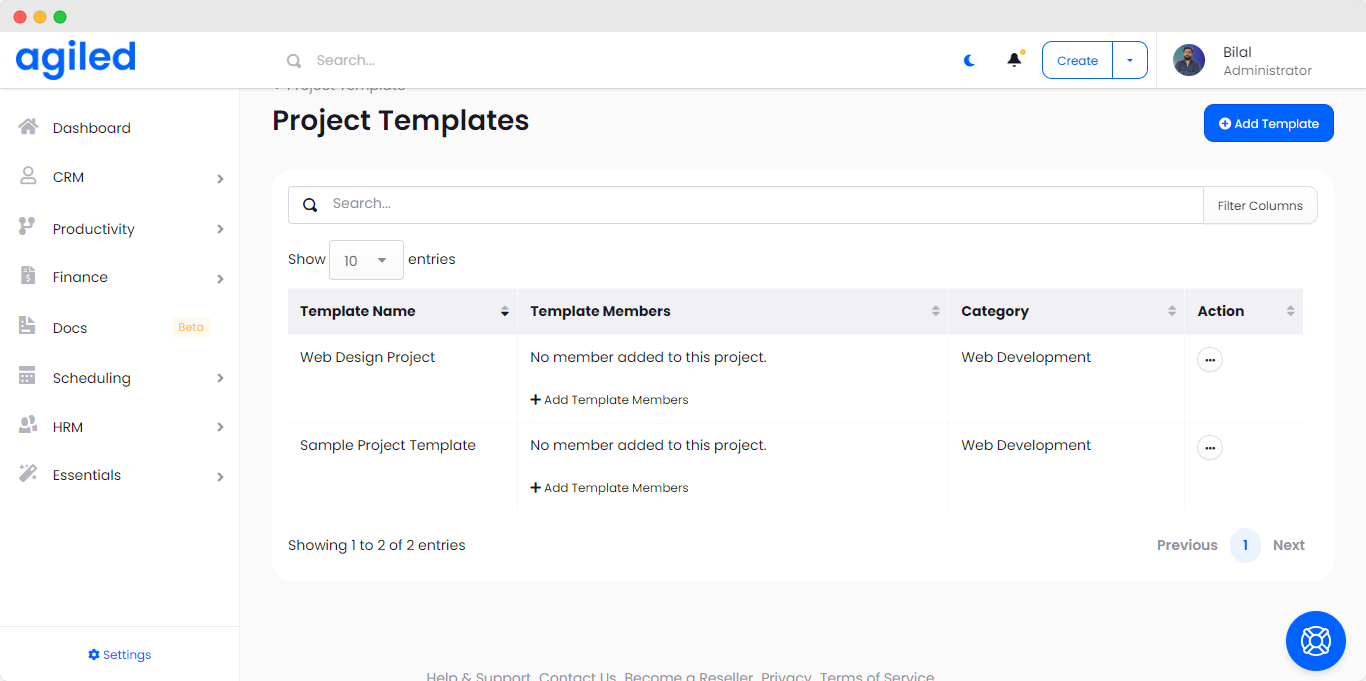
- Select which ever template suites your needs.
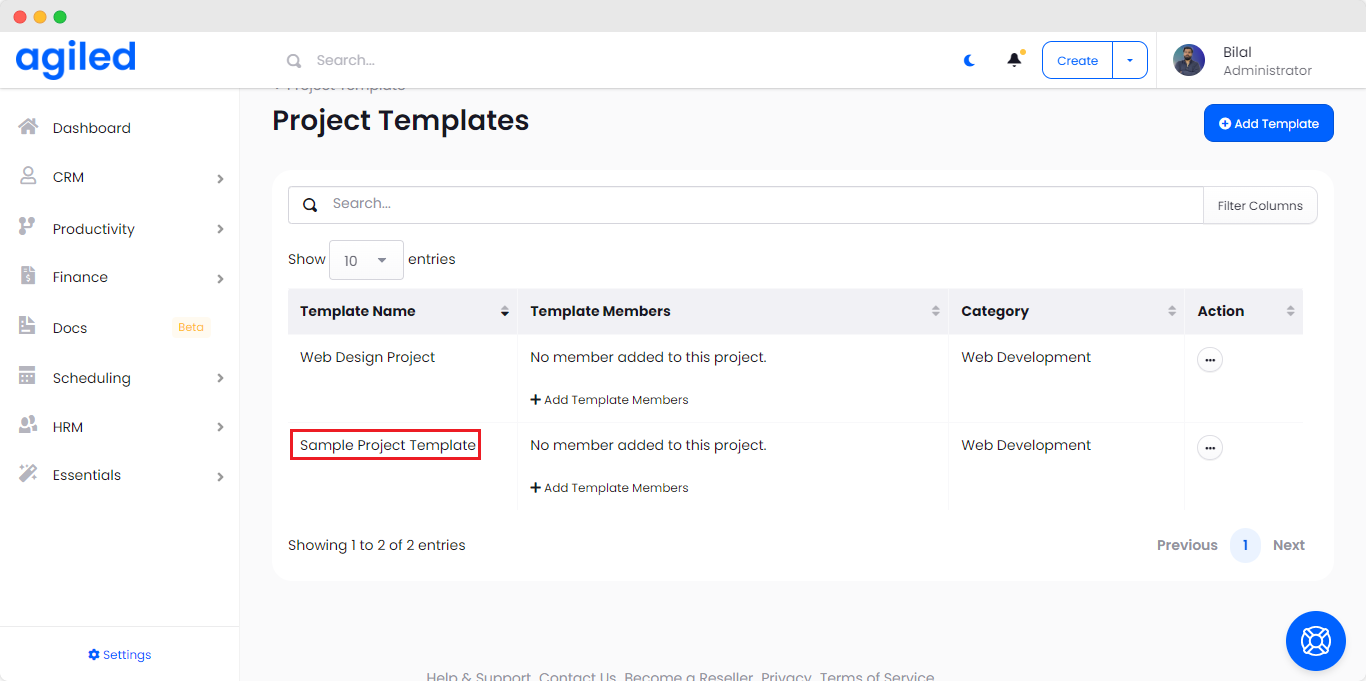
- Template Settings etc will be automatically loaded.
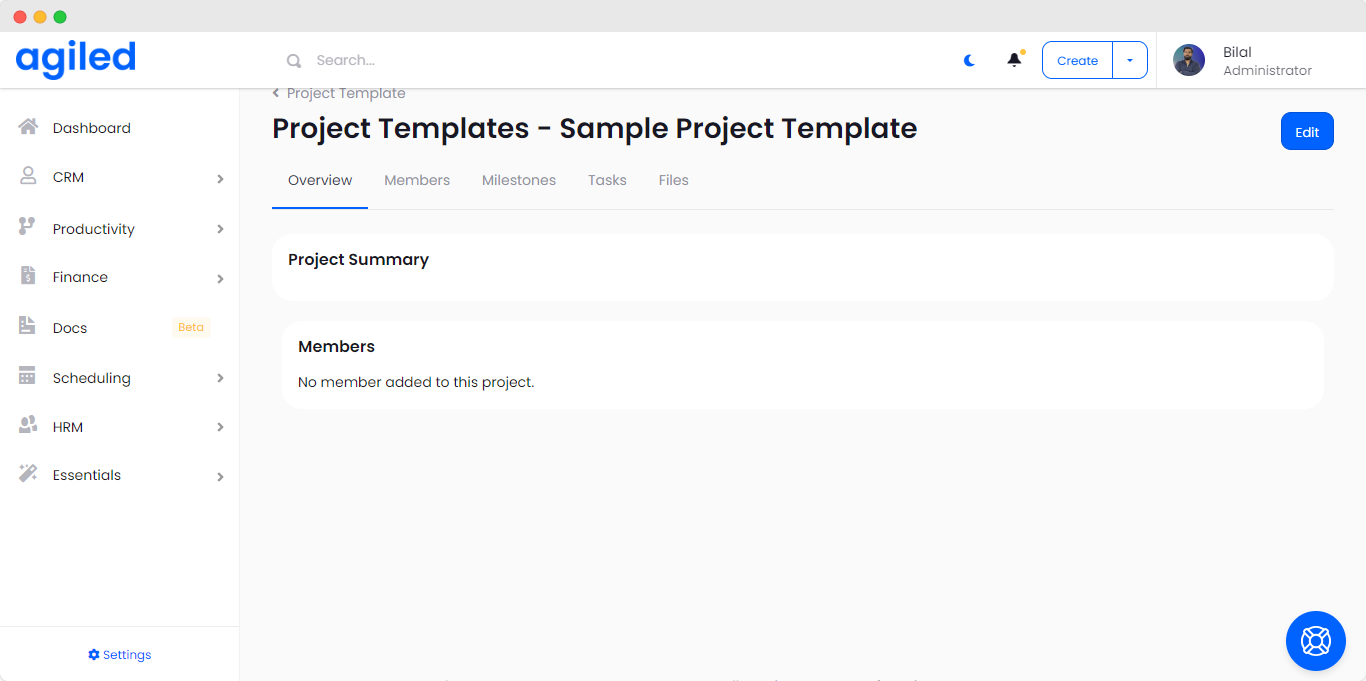
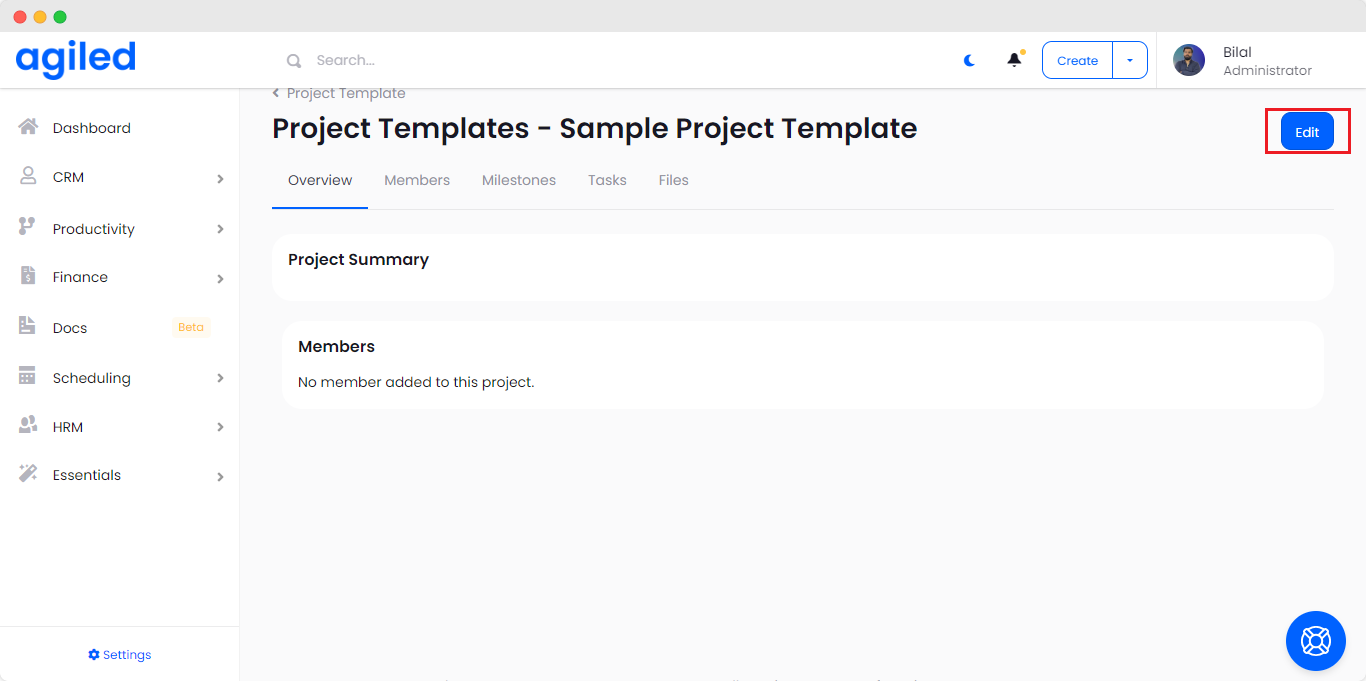
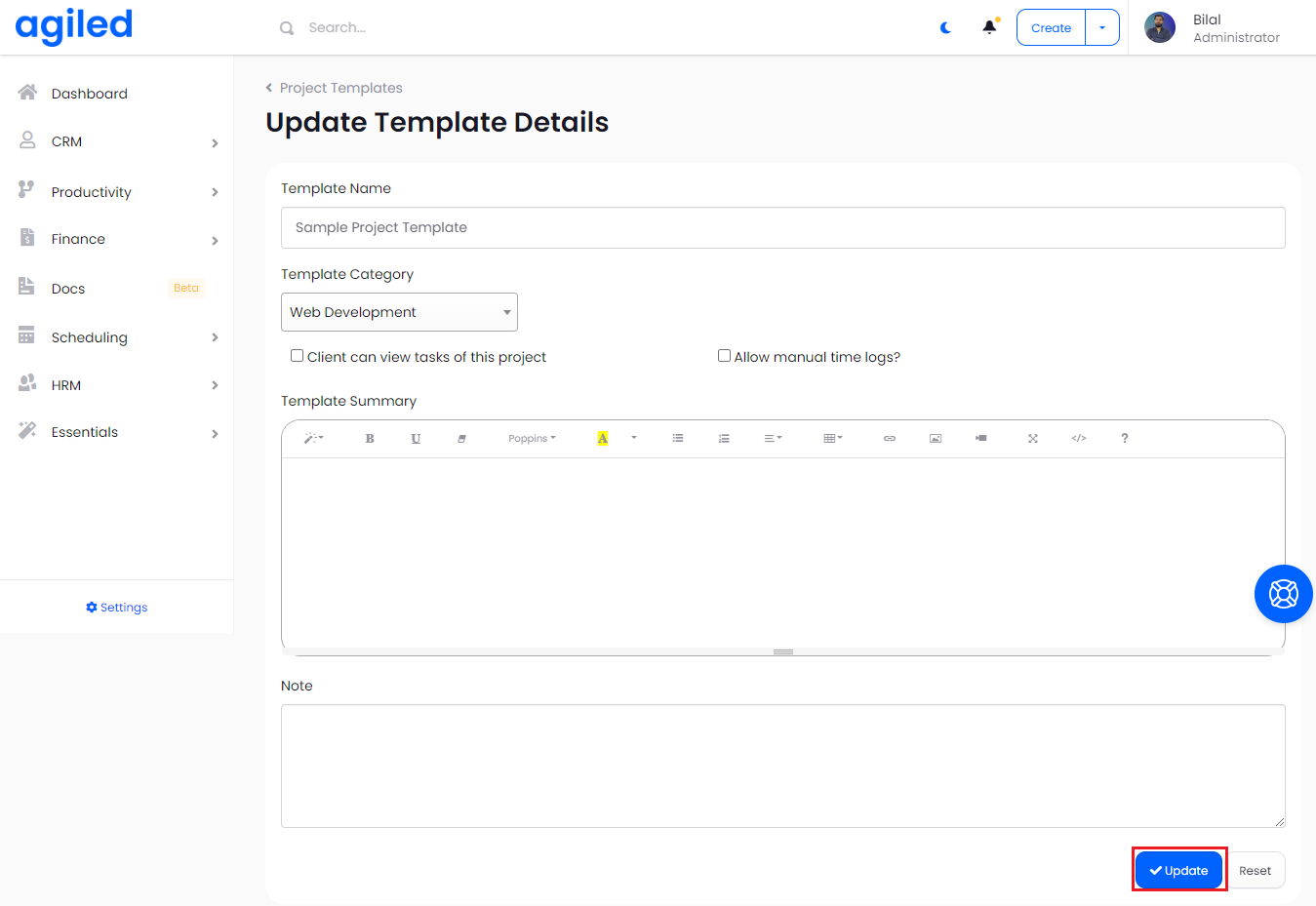
- You can edit the template settings as you like.
- After you have edited the settings, click Update.
Creating Project from Scratch
To create a new project from scratch follow the steps given below.
- Enter the project Name
- Choose or create new project category.
- Select Client for the project (This is optional)
- Choose if client can see the tasks in their dashboard or not.
- Choose if you want to turn manual logging on for this project.
- Self-Assign Project if you want to work on the project yourself.
- Enter Project Start Date.
- Enter Project completion deadline.
- If the project is ongoing and has no deadline choose no deadline.
- Add Detailed Project Summary
- Add Notes for the project.
- In the budget info add the allocated budget for the project.
- Choose currency you want to charge in and enter total hours allocated for this project.
- From Project Status, choose if the project is on hold, started, paused, in progress or completed.
- If you want to upload any files for the project upload them here/
- Click save
Was this article helpful?
More in Project Management
- Creating TasksYou can manage tasks with ease in Agiled. To manage tasks go to Tasks -> All Tasks and click on Add task button. It will take you to Add New Task screen. Ente
- Project: TasksHow to manage Project Tasks? Project tasks are organized in the Tasks tab of the project dashboard. To see all tasks of the project go to any project and click
- Time TrackingStay productive by tracking your and your team's time in Agiled. Agiled comes with a built in time tracking and you can track and bill for your time very easil
- How to create a project and apply a workflow to it on form submission?Introduction In Agiled, you can automate the creation of projects from form submissions, and even apply a workflow to it automatically. This guide will show you
Questions about this? Agiled Assist answers from these articles.