How to pause and activate an automation.
Introduction: This documentation will guide you through the process of pausing and activating an automation in Agiled. 1. Navigating to Automations Page: - Go t
Updated 1 min read
Introduction:
This documentation will guide you through the process of pausing and activating an automation in Agiled.
1. Navigating to Automations Page:
- Go to the automations page in Agiled.
2. Pausing an Automation:
- Locate the automation you want to pause.
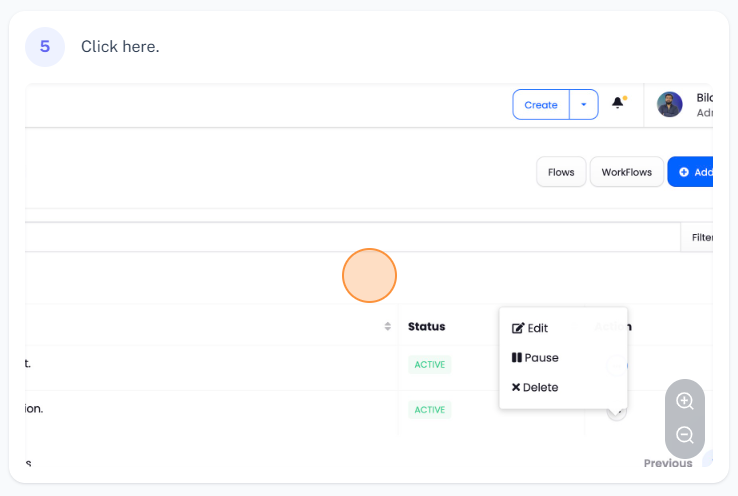
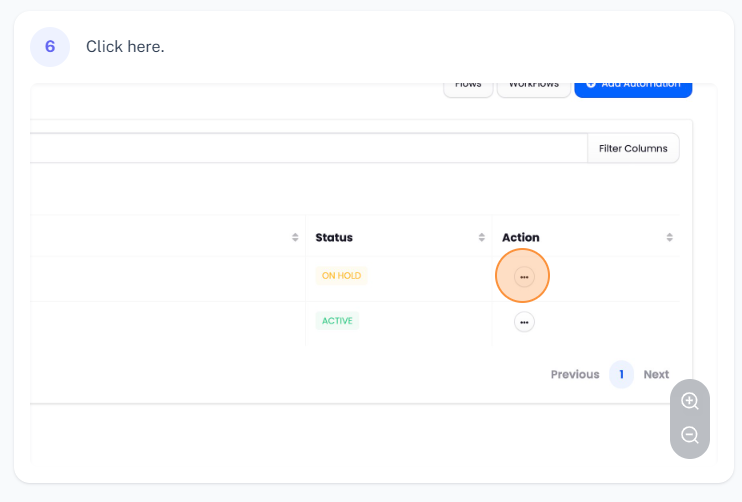
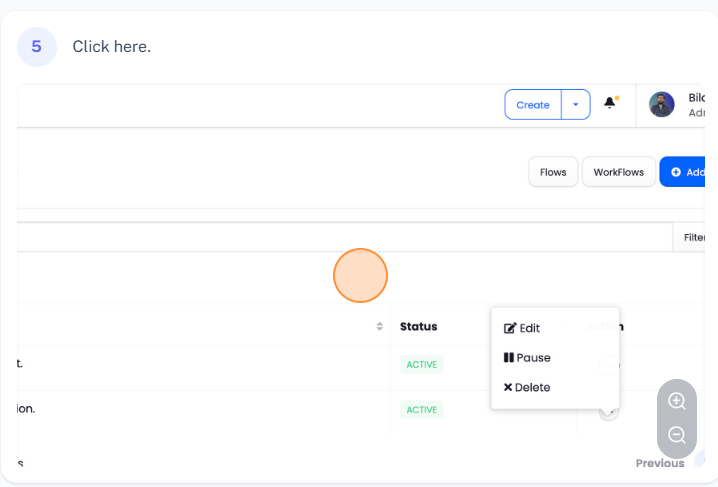
- Click on the three dots in the actions column.
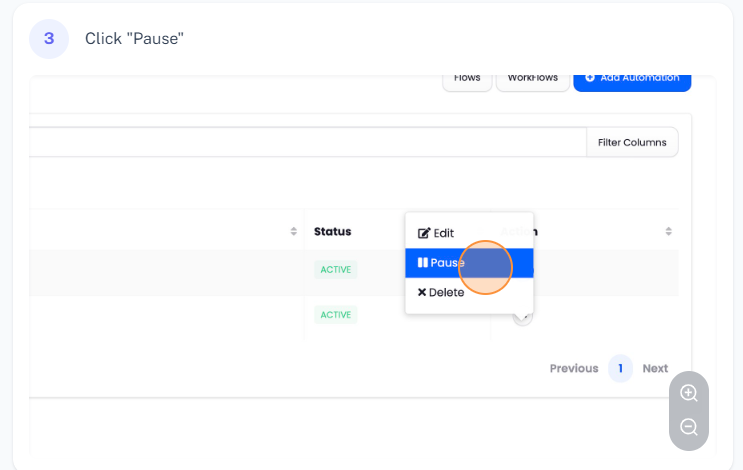
- Select the "Pause" button to pause the automation.
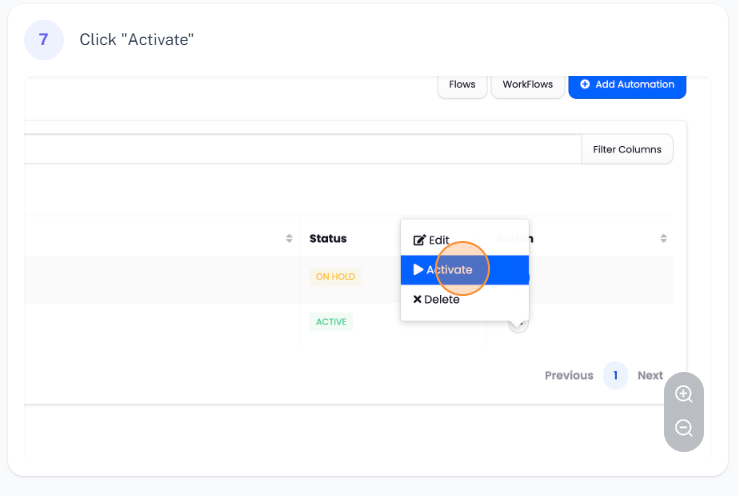
3. Activating an Automation:
- Click on the paused automation.
- Select the "Activate" button to resume the automation.
Conclusion:
By following these steps, you can easily pause and activate automations in Agiled as needed. Thank you for reading the documentation.
Was this article helpful?
More in Automations
- How to Pause & Resume an AutomationYou can pause or resume the automation at any time by following the instructions given below. How to Pause an Automation? Follow the steps given below to pause
- Automations OverviewYou can automate repetitive tasks of your business with Automations in Agiled. What is Automation? Automations lets you automate an action based on a specifi
- How to create an Automation?Follow the steps given below to create new automation from scratch. To create new automation go to the Essentiasl menu from the side navbar and click on Automa
Questions about this? Agiled Assist answers from these articles.