How to redeem Appsumo Code?
New Appsumo Signup To redeem your Appsumo code go to Appsumo deal redemption page and copy your purchased code. After that go to https://my.agiled.app/appsumo A
Updated 1 min read
New Appsumo Signup
To redeem your Appsumo code go to Appsumo deal redemption page and copy your purchased code.
After that go to https://my.agiled.app/appsumo
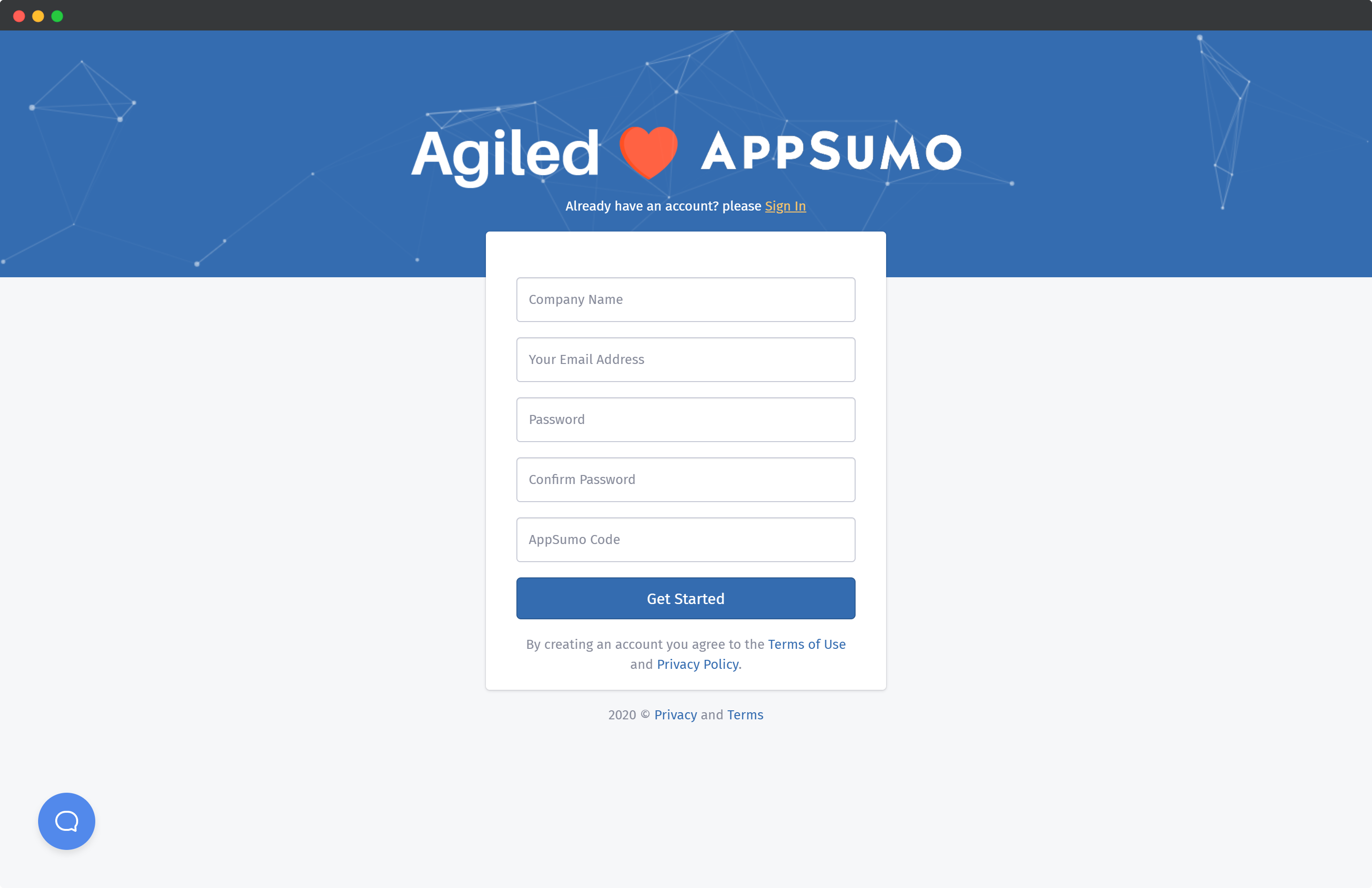
Add the following details to redeem your code and get started.
- Company Name
- A valid email address
- Password
- Your Appsumo code.
After adding all the details click "Get Started". It will take you to account setup.
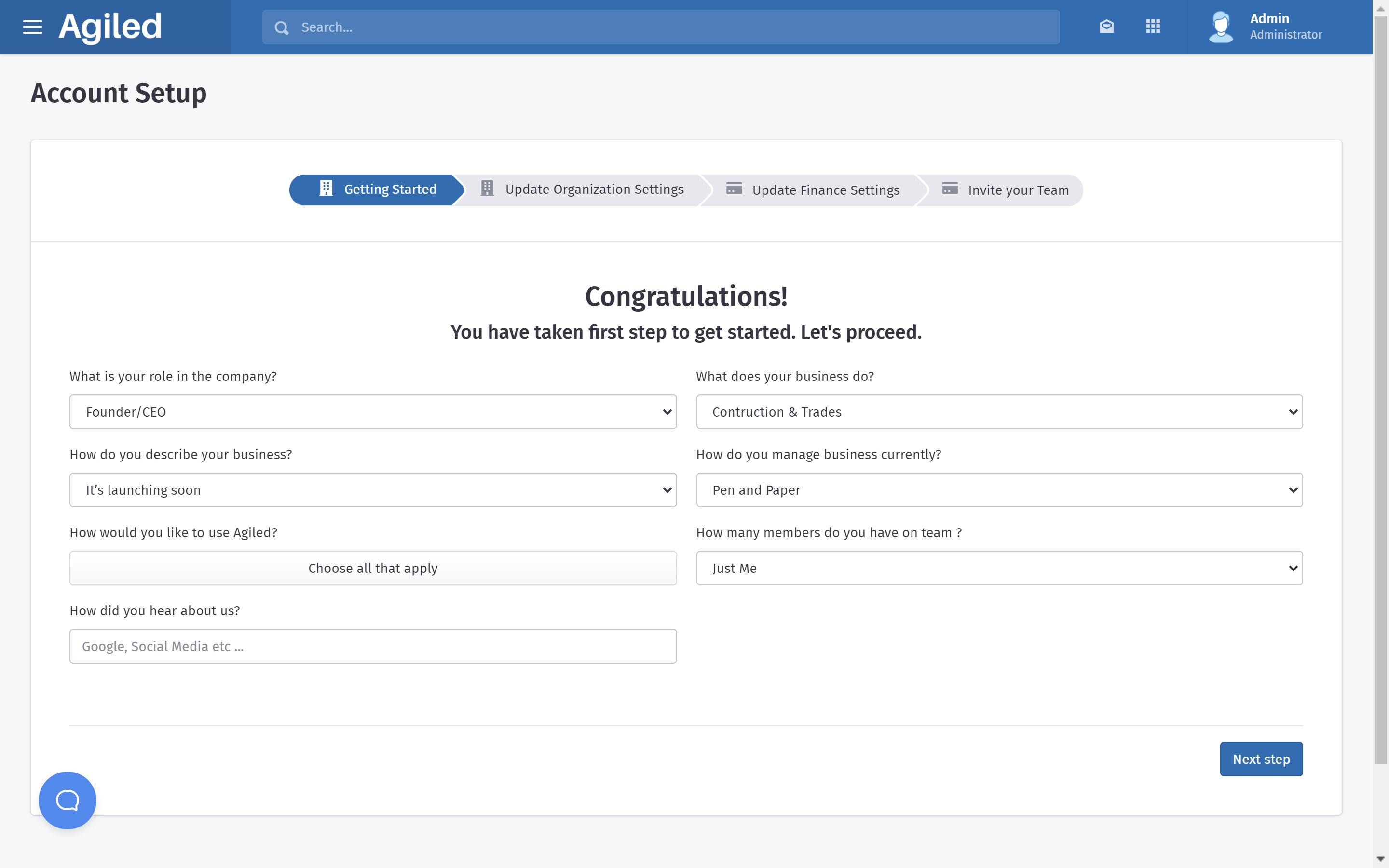
Setup your account, invite your teammates and start using Agiled 😍.
Redeem/ Stack Appsumo Code
If you have already signed up for a trial account and want to redeem Appsumo code
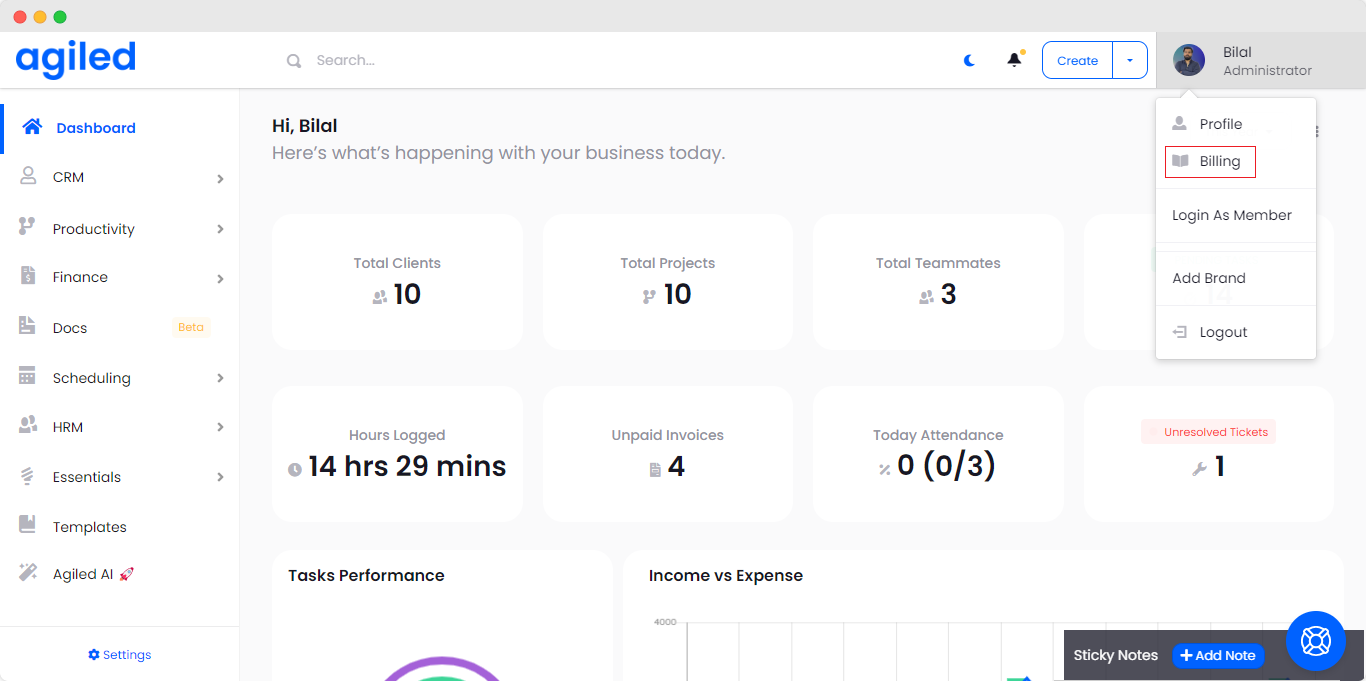
OR if you want to stack Appsumo codes go to Billing and click on "Redeem Appsumo Code".
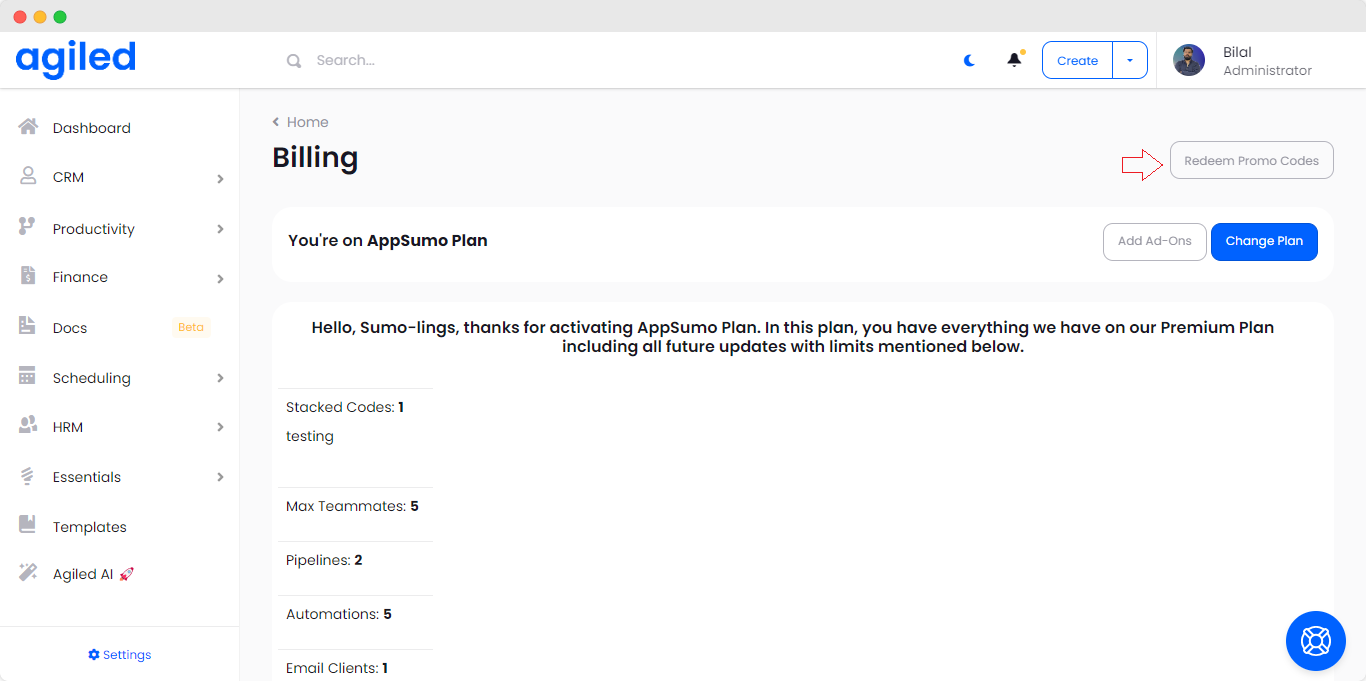
On the next screen add your Appsumo code and click Redeem.
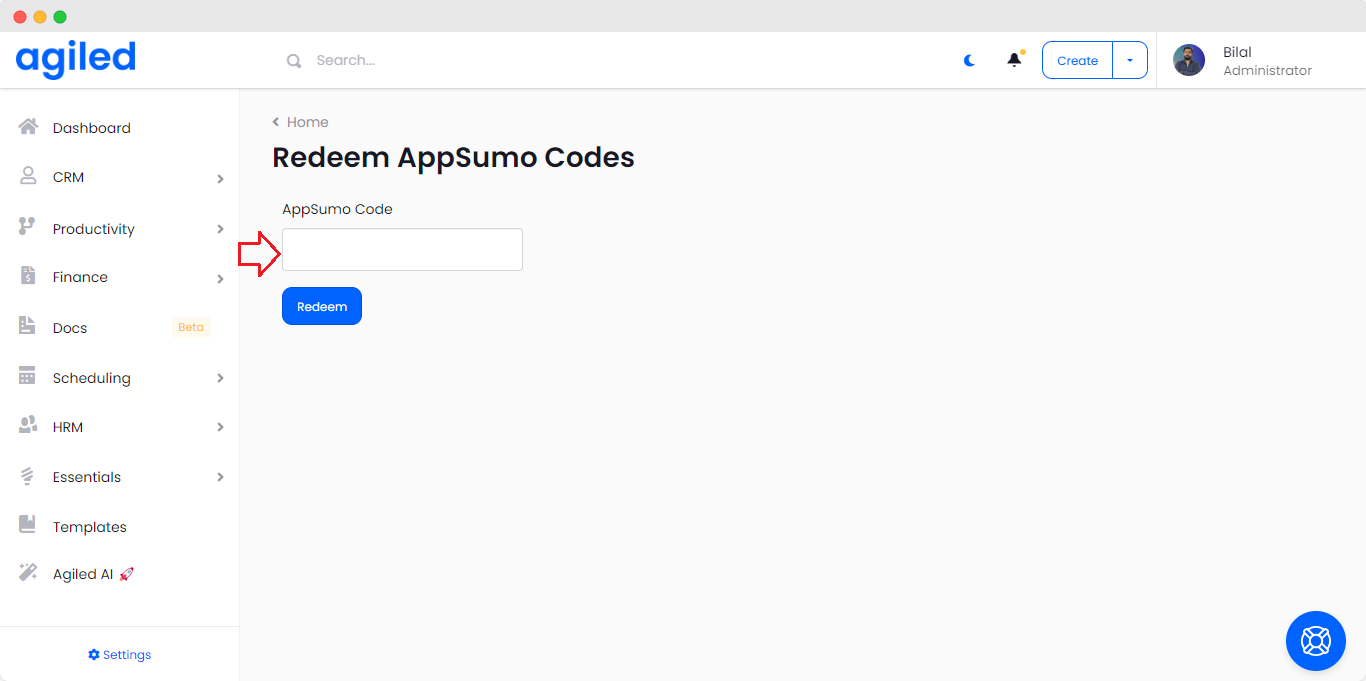
Your code will be stacked/redeemed.
If you face any issues in redemption contact our team on live chat or email and we will help you out.
Was this article helpful?
More in Account
Questions about this? Agiled Assist answers from these articles.